
Kling 3 4K vs Pro (1080p): When 4K Is Worth It—and When It’s Not
Kling 3 4K vs Pro (1080p): When 4K Is Worth It—and When It’s Not
Most teams don’t fail with AI video because they lack a “better model.” They fail because they spend on the wrong stage:
- paying for the highest quality while iterating (then throwing most outputs away)
- shipping a clip at 1080p that looks fine locally, then breaks after platform recompression
This guide gives you a simple framework for Kling 3 4K vs Pro (1080p) so you can spend less, iterate faster, and ship cleaner deliverables.
If you want the one-sentence rule:
Use Pro (1080p) to explore. Use Kling 3 4K for the final pass when detail, motion, or compression will be judged.
The real difference: deliverables vs iteration
In real workflows, resolution isn’t the main variable. Risk is.
- During iteration, your goal is to validate idea → composition → motion → timing quickly.
- During shipping, your goal is to produce a deliverable that survives compression, client review, and reuse.
That’s why “4K is better” is not the right question. The right question is:
Will 4K change the outcome for this shot?
If the answer is “no,” Pro (1080p) is usually the smarter default.
Use 4K when it changes the outcome (a checklist)
Use this as your go/no-go for Kling 3 4K.
Micro-detail shots (product, fabric, skin)
Pick 4K if your shot depends on:
- product surfaces (matte vs glossy, brushed metal, wood grain)
- fabric weave, stitching, patterns
- close-up faces where texture matters
- labels/logos that must hold up after compression
If the viewer is meant to notice micro-detail, 4K often moves the needle.
Fast motion / camera moves
Fast motion is where AI video usually shows artifacts:
- shimmer on edges
- crawling patterns
- “melt” around thin structures
If your shot includes fast camera movement, particles, hair, water, or complex motion blur, 4K gives you more headroom and can degrade more gracefully after encoding.
Heavy downstream compression (social, reposts, overlays)
If you plan to:
- upload to TikTok / Reels / Shorts
- repost the same clip multiple times
- add subtitles, captions, or graphics overlays
then Kling 3 4K is often worth it even if the platform plays it back at a lower resolution. Cleaner sources typically survive recompression better.
Stay on Pro (1080p) when speed matters more than ceiling
Use Pro (1080p) when:
- you’re exploring prompts and you expect multiple retries
- the background is simple and motion is mild
- the deliverable is temporary (internal review, concept test, early storyboard)
- the clip is short-lived and won’t be reused across campaigns
In these cases, paying for 4K often increases cost without increasing the chance of success.
A workflow that avoids wasted cost
Here’s a simple two-pass workflow that works for most creators and teams.
Pass 1: Explore (prompt, composition, timing)
Start in Pro (1080p) and iterate until you lock:
- the subject and scene
- the camera move
- the rhythm (what happens in the first second matters)
- negative prompt constraints (reduce clutter and artifacts)
Treat this stage as fast feedback, not final quality.
Pass 2: Ship (same setup, higher mode)
Once the shot is stable, switch to Kling 3 4K and keep everything else as constant as possible:
- same prompt structure
- same aspect ratio
- similar motion and complexity
This reduces the chance that your “quality upgrade” changes the shot into something different.
If you’re using our tools, start with the Kling 3 generator here:
FAQ (long-tail)
Does 4K help after TikTok/Reels compression?
Often, yes—because you’re feeding the platform a cleaner source. It won’t make every clip perfect, but it can reduce the “first encode looks fine, upload looks messy” problem.
4K vs upscaling: what should I choose?
If your workflow is “1080p + upscaling,” that can look sharp but doesn’t always create stable frame-to-frame detail. If native 4K is available, it’s usually the better shipping mode for detail-heavy shots.
Should I use 4K for every shot?
No. If you do, you’ll burn budget during iteration. Use 4K as a shipping pass, not your default explore mode.
Summary: default rule in one sentence
Pro (1080p) is for iteration. Kling 3 4K is for shipping deliverables when detail, motion, and compression will be judged.
Kling 3 4K Workflow: Prompts, Shot Planning, and Export Settings That Actually Hold Up
A repeatable Kling 3 4K workflow to get usable deliverables: two-pass iteration, prompt templates, safe complexity rules, and export guidance to survive platform recompression.
Kling 3 Native 4K: What It Means for Quality, Motion, Compression, and Real-World Use
Learn what Kling 3 native 4K changes vs 1080p: sharper detail, cleaner motion, fewer artifacts, and when 4K is actually worth it.
HappyHorse AI Video Generator: What the New Model Can Do
Discover HappyHorse, a new AI video generation model with text-to-video, image-to-video, video-to-video, native audio, and creator-friendly workflows.
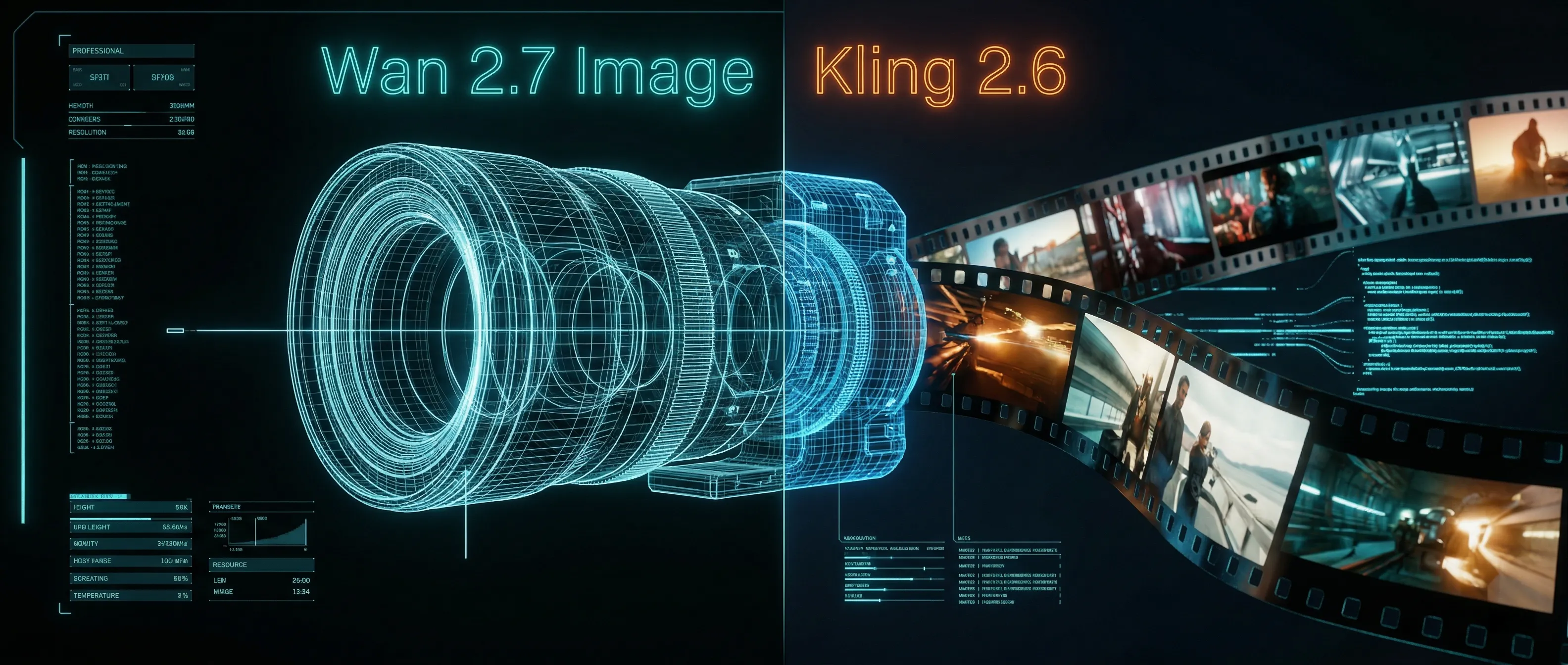
Wan 2.7 Image Meets Kling 2.6: The Ultimate AI Visual Workflow
Discover how the new Wan 2.7 Image model's advanced editing and 3K text rendering capabilities create the perfect asset pipeline for Kling 2.6 video generation.
The Next Generation of Generation: Unpacking the Wan 2.7 Upgrade
The highly anticipated Wan 2.7 Video release marks a turning point, introducing a multi-modal injection system and a studio-grade workflow for creators.
The Zero-Cost MoCap Studio: Mastering Kling 3.0 Motion Control for Extreme Action Physics
Master Kling 3.0 Motion Control for extreme action physics. Learn how to create cinematic combat choreography, parkour sequences, and VFX-grade animation without expensive motion capture suits.
Mastering Audio-Visual Sync: My Hands-On Guide to Kling Video 3.0 Omni
A comprehensive guide to Kling Video 3.0 Omni's Native Audio-Visual capabilities. Learn how to achieve accurate mouth movement AI, perfect lip-sync, and complex emotion reproduction for professional-grade AI video content.
The Ultimate AI Workflow: From Nano Banana 2 to Kling 3.0 Motion Control
Master the ultimate cross-modal pipeline combining Nano Banana 2 image generation with Kling 3.0 Motion Control for commercial-grade AI animation. Learn how to create zero-defect video content.