
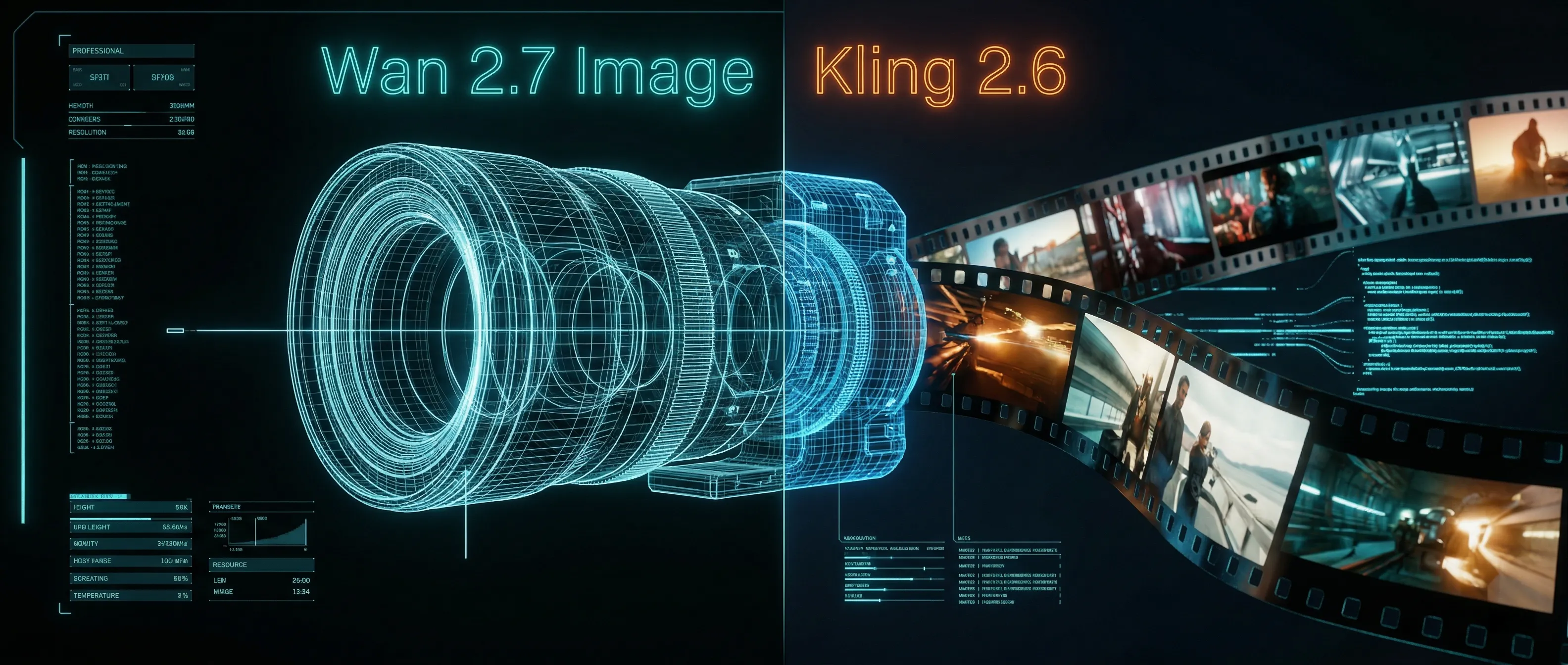
Wan 2.7 Image Meets Kling 2.6: The Ultimate AI Visual Workflow
The AI community has been buzzing lately. While everyone was eagerly awaiting the highly anticipated release of the Wan 2.7 video model, the official team played an unexpected card by announcing the brand new Wan 2.7 Image generation model first. Over the past year, the AI image generation landscape was largely dominated by Google. However, the emergence of this new model proves that domestic models have a real chance of catching up and even surpassing competitors in certain vertical domains.
Ultimately, the ambition of the Wan2.7 Image model goes far beyond being just a better text-to-picture tool. It aims to unify generation and editing, single images and image sets, and standalone tools with platform ecosystems. When we look at this evolution, the true potential unlocks when paired with powerful video models. By combining the precise asset generation of this new image model with the dynamic animation capabilities of Kling 2.6, creators can build an unparalleled visual pipeline.
This article will break down exactly which industry pain points this Wan 2.7ai Image generator solves, strictly based on the officially released information, and how it supercharges your workflow on the Kling 2.6 platform.
1. Deep Face Customization: Perfecting Character Consistency for Kling 2.6
For the past two years, many AI image models have been unable to escape a specific curse: all generated people look exactly the same. You often get high nose bridges, large eyes, and skin so smooth it looks like it has ten layers of filters. It looks stunning the first time, but boring by the tenth. This is fundamentally due to distributional bias in the training data, where the model pulls its aesthetic toward a fixed average after seeing too many heavily retouched portraits.
To solve this, the killer feature introduced by the Wan 2.7 image maker is "deep face customization". Users can now customize bone structure, eye shapes, and facial details item by item in the prompts. Face shapes can be precisely controlled from oval to square, and eyes from almond-shaped to phoenix eyes. The granularity even extends to the thickness of the eyebrows and the color of the pupils.
The Kling Workflow Advantage: When creating a short drama or narrative video using Kling 2.6, character consistency is your biggest hurdle. By utilizing this deep face customization, you can generate an exclusive character reference sheet. You then feed these highly personalized, non-average faces directly into Kling 2.6's image-to-video engine, ensuring your protagonist looks identical across every single shot.
2. Industrial-Grade Color Palette: Brand-Accurate Video Assets
Previously, coloring in AI image generation relied heavily on luck. Running the exact same prompt ten times could yield ten completely different color tones. Now, this professional-level color palette function supports inputting the ratios of 8 different HEX color codes, totaling 100%.
This means designers can finally precisely control the proportional relationship between the main color, secondary colors, and accent colors in the image. By directly writing brand color guidelines into the prompt, the output can be used directly for commercial purposes.
The Kling Workflow Advantage: If you are an e-commerce team creating product showcase videos, brand color accuracy is non-negotiable. You can generate your base product shots with strict HEX code adherence using the Wan2.7 text to image capability, and then animate the camera movements and environmental effects perfectly within Kling 2.6, knowing the brand identity is mathematically preserved.
3. Ultra-Long Text Rendering: Seamless Posters and Titles
Text rendering in AI image generation, especially for non-English languages like Chinese, has always been a disaster. The moment it exceeds a few characters, it starts to blur, misalign, or lose strokes. However, the Wan 2.7 Image generator utilizes a brand new Long Context Text Encoder, supporting ultra-long text inputs of up to 3K tokens and capable of rendering 12 different languages. Officials even claim it can "output a single A4 page of an academic paper".
The Kling Workflow Advantage: You can now generate complex movie posters, infographic slides, or dynamic typography layouts with flawless text rendering. Instead of doing this in post-production, you can take these text-heavy images and use Kling 2.6 to add subtle background motion, turning static infographics into highly engaging video presentations instantly.
4. Interactive and Consistent Editing for Video Pre-Production
Beyond its generation capabilities, the editing functions are where it truly distances itself from pure generation models. The power of its image-to-image module lies in its pixel-level intent alignment.
- Interactive Regional Editing: It supports adding, aligning, or moving elements or logos in specified areas. For example, you can precisely select a cat in an image and write a prompt to move the cat to the windowsill and change its posture. Previously, this required regenerating the whole image or manual Photoshop editing.
- Multi-Subject Consistency Editing: It supports up to 9 images as reference sources. This is highly practical for creating conference group photos, movie posters, and furniture set scenarios. Keeping 9 reference images stylistically consistent is a hard requirement for e-commerce and film pre-production.
- Sequence Image Set Generation: It can generate logically coherent image sequences of up to 12 images in a single run. This directly covers batch generation scenarios like storyboard scripts and multi-angle architectural drawings.
The Kling Workflow Advantage: Generating a 12-image storyboard sequence is the ultimate cheat code for video creators. Feed this coherent sequence directly into Kling 2.6, and you bypass the chaotic trial-and-error phase of AI video generation entirely.
5. Approaching the Global Ceiling
Data shows that in human preference blind tests, its text-to-image capabilities have surpassed GPT-Image 1.5 and mainstream domestic models. In metrics like text rendering, photorealistic imaging, and world knowledge, it is considered the domestic model closest to Nano Banana Pro. In other words, within the domestic Wan2.7ai track, it is currently the absolute top tier.
Looking at its technical architecture, it adopts a unified generation and understanding model architecture, keeping the text closely aligned with the image. Furthermore, multimodal instructions are introduced into the training process, allowing the model to jump from simple pixel fitting to underlying semantic cognition. Finally, it is worth mentioning that a Wan 2.7-image-pro version trained on a larger scale of data and parameters was launched simultaneously, offering more stable composition and more precise semantic understanding.
Elevate Your Output Today
The Wan 2.7 Image model provides the perfect, highly controlled, and consistent visual foundation. But a static image is only the beginning. To truly captivate your audience, bring those assets to life. Start animating your flawlessly customized characters and precisely colored brand assets today by using Kling 2.6, or prepare for the next leap in video generation by exploring our upcoming features at Kling 3.0.
The Next Generation of Generation: Unpacking the Wan 2.7 Upgrade
The highly anticipated Wan 2.7 Video release marks a turning point, introducing a multi-modal injection system and a studio-grade workflow for creators.
Z-Image Turbo Guide: Running Alibaba''s 6B Beast in ComfyUI (Vs. FLUX)
Forget 24GB VRAM. Alibaba''s Z-Image Turbo (6B) delivers photorealistic results and perfect Chinese text in just 8 steps. Here is your complete ComfyUI workflow guide.
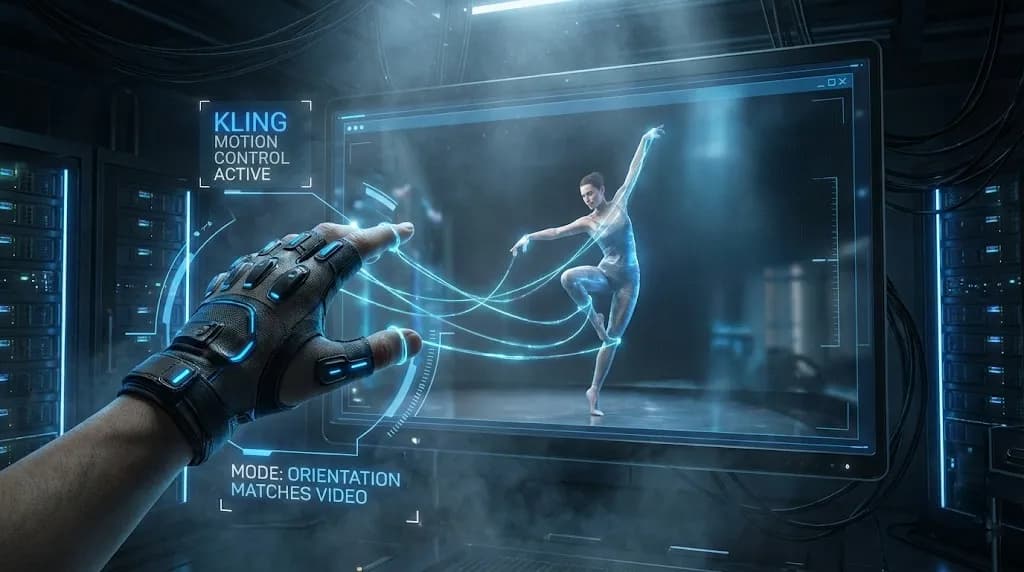
Mastering Kling Motion Control: The Ultimate Guide to AI Digital Puppetry (2026)
A deep dive into Kling Motion Control features. Learn to use Character Orientation modes, fix common errors, and master the workflow for cinematic AI video production.
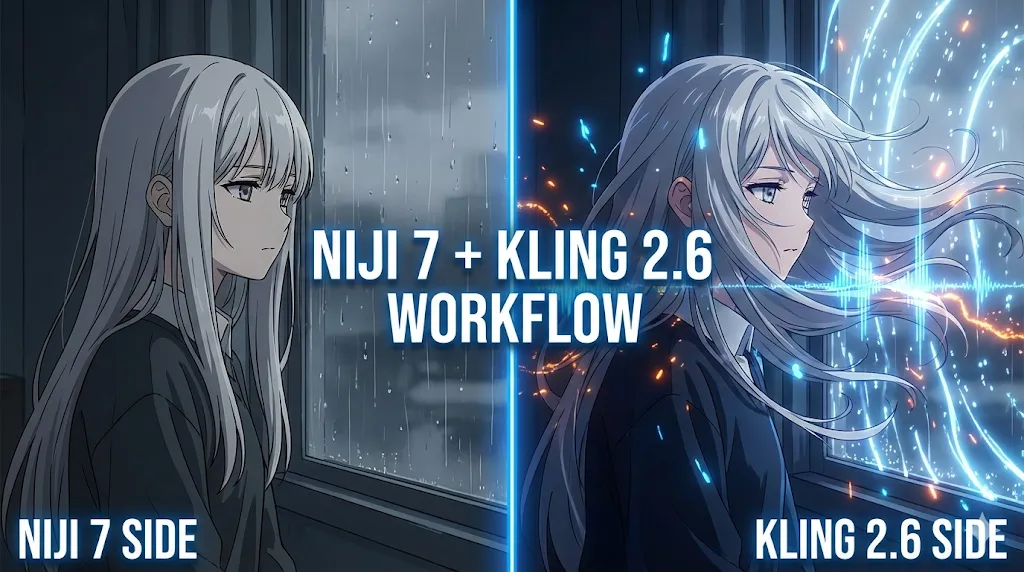
Kling 2.6 & Niji 7 Workflow: How to Create Viral AI Anime Dramas (2026 Guide)
Master the ultimate AI anime workflow combining Niji 7's visuals with Kling 2.6's native audio and motion control. A step-by-step guide for creating viral manga dramas.
5 Secret Prompts for Hollywood-Style Cinematic Shots
Struggling with flat lighting? Use these copy-paste prompt formulas to master depth of field and dynamic camera angles.
Veo 4 vs Seedance 2.1: Why the Next AI Video War May Be About Cost, Not Cinematic Quality
Seedance 2.1 is reportedly close, Veo 4 is widely expected around Google I/O, and Gemini Omni Flash has appeared inside Flow. The real question is no longer who looks most cinematic, but who lowers the cost of stable, usable output.
Seedance 2.1 May Be Coming Soon: Reported 20% Quality Gain, Cheaper Tier, and What Creators Should Watch
Seedance 2.1 is reportedly close to launch, with claims of a 20% quality improvement and a cheaper Seedance 2.0 tier. Here is what seems known, what is still unconfirmed, and why the update matters.
Kling 3.0 Stadium Fan Cam Trend: How to Prompt a Real Broadcast Look
A practical prompt blueprint for the Kling 3.0 stadium fan cam trend: broadcast realism cues, failure fixes, and a safe comparison plan.