
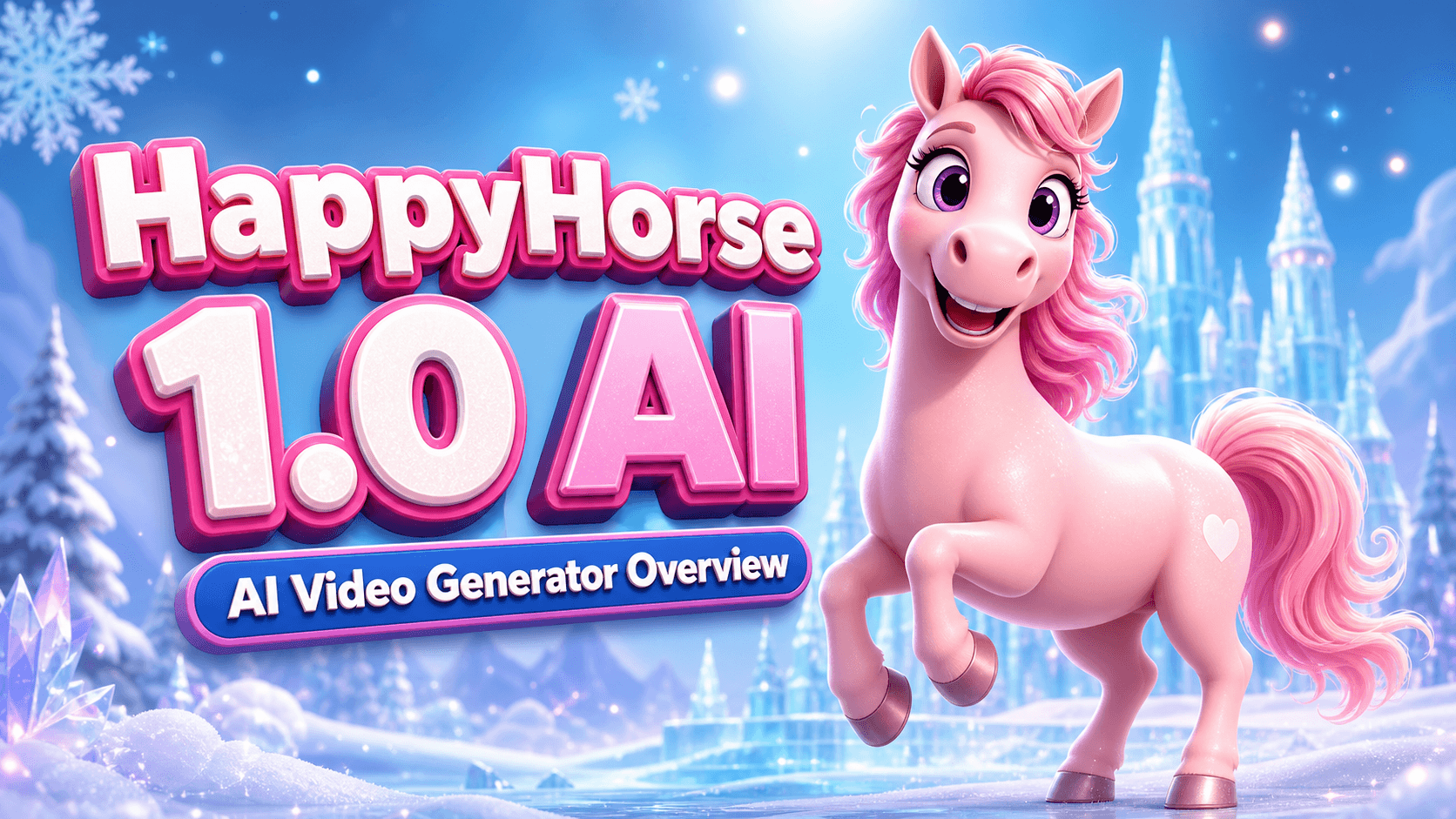
HappyHorse AI Video Generator: What the New Model Can Do
HappyHorse is one of those names that immediately tells you where the product wants to go: fast, memorable, and built around motion. In a market crowded with tools that can make a clip move, what creators actually need is control. They need a model that can follow a prompt, keep a character stable, adapt to reference material, and get from idea to publishable draft without a dozen frustrating reruns.
That is why HappyHorse is worth paying attention to.
Public pages around the product position HappyHorse as a new AI video generation model and workflow. The product story is simple on the surface but powerful in practice: start from text, an image, a reference video, or even audio input, then generate a short video draft that is closer to the shot you had in mind. For creators, marketers, and small studios, that kind of control matters more than any single benchmark number.
What Is HappyHorse?
At its core, HappyHorse is a video generation system designed to unify several common creation paths into one workflow. Instead of forcing you to pick a completely different tool for every idea, it gives you a consistent starting point for text-to-video, image-to-video, and video-to-video work.
That unified structure is important because most video jobs are not purely generative. A social clip might begin as a sentence. A product ad might begin as a still image. A character animation may begin as a reference video shot on a phone. HappyHorse is built to sit in the middle of those workflows and turn raw inputs into something usable faster.
The public product pages also highlight practical production features such as native audio, synchronized audio generation, multilingual lip-sync, and a browser-based experience that lowers the barrier to experimentation. In other words, this is not just a “make a pretty moving image” tool. It is trying to be a real creation environment.
The Core Workflow: From Prompt to Video
The easiest way to understand HappyHorse is to look at the inputs it accepts and the jobs it can support.
Text to Video
Text-to-video is still the most familiar entry point for many users. You describe the scene, the camera movement, the mood, and the action, and the model turns that into a moving draft.
That sounds simple, but the hard part is not generating motion. The hard part is keeping the output aligned with the intent. If the prompt says “slow dolly in, rainy street, one character walking under neon signs,” you want those details to survive the generation process instead of being replaced by random background chaos. HappyHorse is presented as a model that focuses on that kind of prompt adherence.
Image to Video
Image-to-video is where many creators get immediate value. A still product photo, a character portrait, a poster design, or a concept frame can become the starting point for motion.
This matters because a lot of content teams already have source assets. They do not need a blank canvas. They need animation that respects the original composition. HappyHorse’s image-to-video workflow is useful for turning static marketing assets into motion-first clips for ads, teasers, and social posts.
Video to Video
Video-to-video is the least glamorous feature on paper and one of the most useful in real production. Sometimes you already have pacing, blocking, or camera language you like. You just want the output to be cleaner, more stylized, or more consistent.
That is where a video-to-video path can save time. Instead of starting over, you can build on the reference motion and steer the result toward the final look you want.
Reference Audio and Synced Sound
One of the reasons HappyHorse stands out in public demos is the emphasis on audio-aware generation. Product pages mention audio references, generated audio, and synchronized audio in the output video.
That opens the door to more than silent motion tests. It makes the model more useful for speaking clips, narrated explainers, multilingual demos, and short brand assets that need sound to feel complete.
Why Creators Care About It
There are many AI video tools on the market, but creators keep returning to the same three questions: Will it follow the prompt? Will the subject stay consistent? Can I ship this faster than before?
HappyHorse is trying to answer yes to all three.
Better Prompt Fidelity
Prompt fidelity is the difference between a tool that “inspires” and a tool that is actually operational. A system can look impressive for one lucky render and still be unreliable for real work.
HappyHorse’s public positioning suggests that it is designed to keep visual intent closer to the original text. That matters for shot composition, character identity, camera direction, and scene mood.
More Stable Motion
Motion stability is one of the biggest pain points in AI video. When bodies warp, hands melt, or background elements flicker, the clip becomes unusable.
What creators want is not just motion. They want readable motion. They want a shot that still feels like a single scene from frame to frame. HappyHorse is marketed around cleaner motion consistency and stronger physical realism, which is exactly the kind of promise the market has been waiting for.
Faster Iteration
Most teams do not need one perfect generation. They need a usable draft, then a few rounds of controlled improvement. If a model cuts reroll time, it cuts production time.
That is why browser-first workflows matter. HappyHorse lowers setup friction, lets users test directions quickly, and helps creators move from idea to preview without turning every experiment into a technical project.
Audio and Multilingual Use Cases
Another practical advantage is localization. A lot of teams do not need a video once; they need the same idea in several languages, formats, or markets.
Public pages point to multilingual lip-sync and synced audio support, which makes HappyHorse more interesting for product marketing, education, onboarding, and global campaign work.
Real-World Use Cases
The best way to judge a new model is to ask where it actually saves time.
Social Content and Short-Form Video
If you publish on TikTok, Reels, Shorts, or X, you already know the pressure to create quickly. HappyHorse can help turn prompts into short drafts for announcements, teasers, memes, and motion-heavy ideas that would take much longer to animate manually.
Product Explainers and Launch Clips
Brands often need a product story more than a cinematic masterpiece. They need a clear visual concept that explains what something is, how it looks, and why it matters. HappyHorse fits that kind of work because it can begin from a still image or a text brief and move toward a polished clip.
Storyboards and Previsualization
Studios and independent creators often use AI video as a previsualization layer. It is faster to test camera language, rhythm, and scene structure before moving into higher-cost production.
HappyHorse is useful here because it gives teams a fast way to explore a shot without committing to full manual animation.
Localized Campaigns
When the same campaign needs to travel across regions, audio and language become just as important as motion. A workflow that can support multilingual output and synced audio can reduce a lot of rework for distributed teams.
How to Decide Whether It Fits Your Workflow
HappyHorse is a good fit if you want:
- A fast starting point for text, image, or video-driven clips.
- Better control over motion consistency and prompt alignment.
- A workflow that is friendly to short-form content and campaign iteration.
- Audio-aware generation instead of silent-only motion tests.
- A tool that can support localization and repeated content production.
It may be less important if your team already has a rigid post-production pipeline and only needs final-frame polish. In that case, HappyHorse is better seen as a creative accelerator than as a replacement for everything you already use.
Final Thoughts
HappyHorse is interesting because it is not trying to solve only one part of video creation. It is trying to make the early stages easier, faster, and more usable. That alone makes it valuable.
If you are a creator, brand, or studio exploring newer AI video workflows, HappyHorse is worth testing in a real project, not just as a demo. Start with a short prompt, a still image, or a reference clip, and see how close the model gets to the shot in your head.
If you want to explore the platform directly, visit https://happyhorseapp.com.
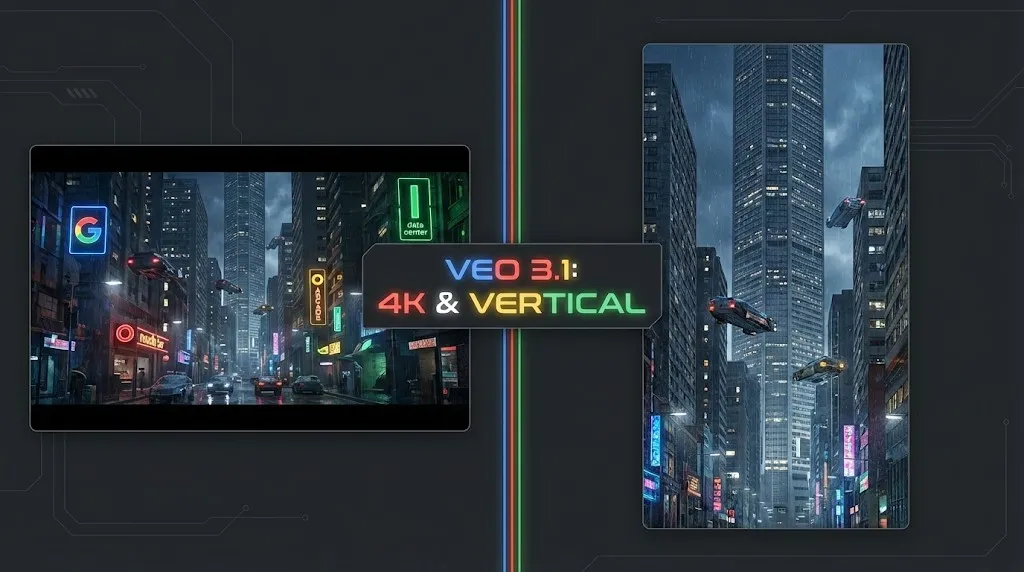
Veo 4 vs Seedance 2.1: Why the Next AI Video War May Be About Cost, Not Cinematic Quality
Seedance 2.1 is reportedly close, Veo 4 is widely expected around Google I/O, and Gemini Omni Flash has appeared inside Flow. The real question is no longer who looks most cinematic, but who lowers the cost of stable, usable output.
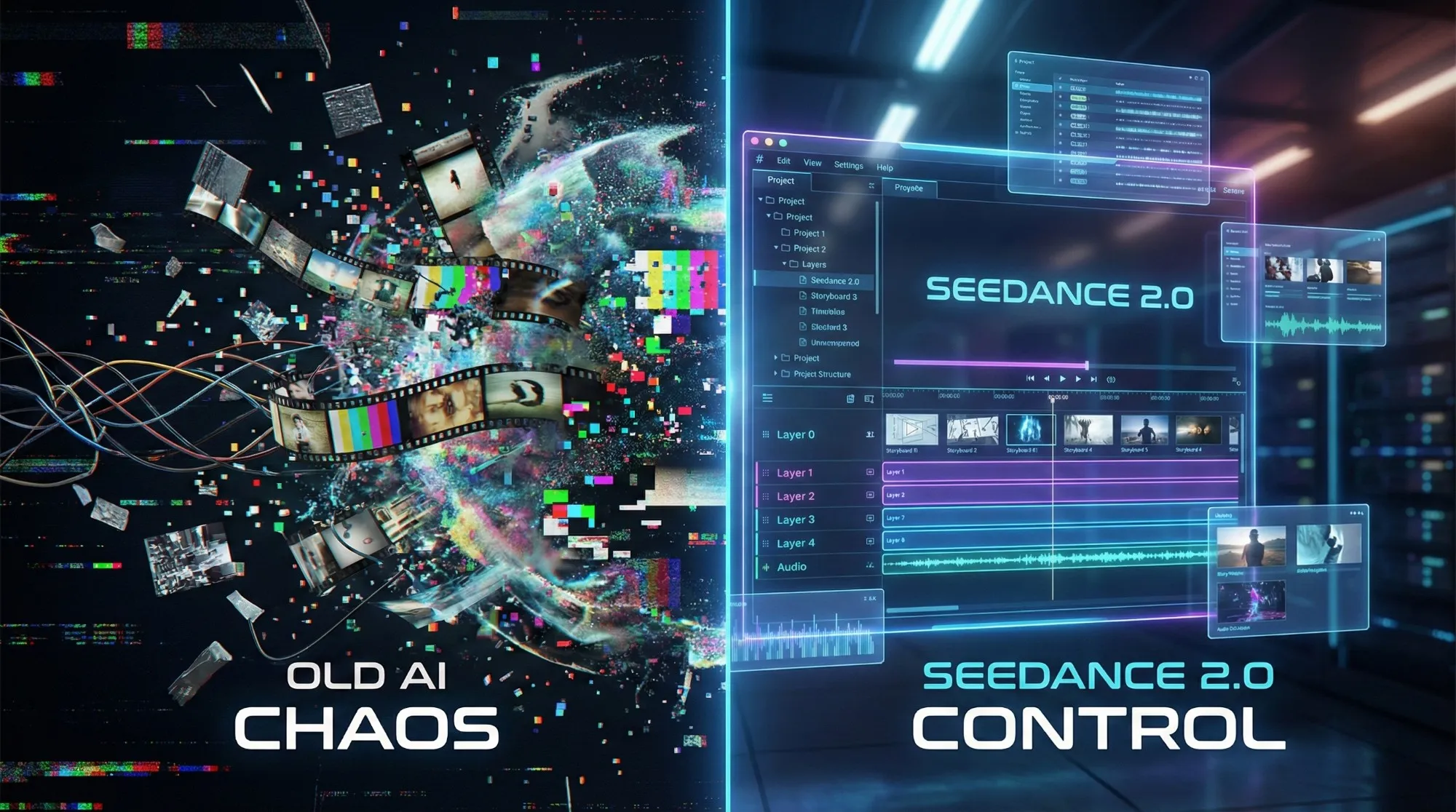
Seedance 2.1 May Be Coming Soon: Reported 20% Quality Gain, Cheaper Tier, and What Creators Should Watch
Seedance 2.1 is reportedly close to launch, with claims of a 20% quality improvement and a cheaper Seedance 2.0 tier. Here is what seems known, what is still unconfirmed, and why the update matters.
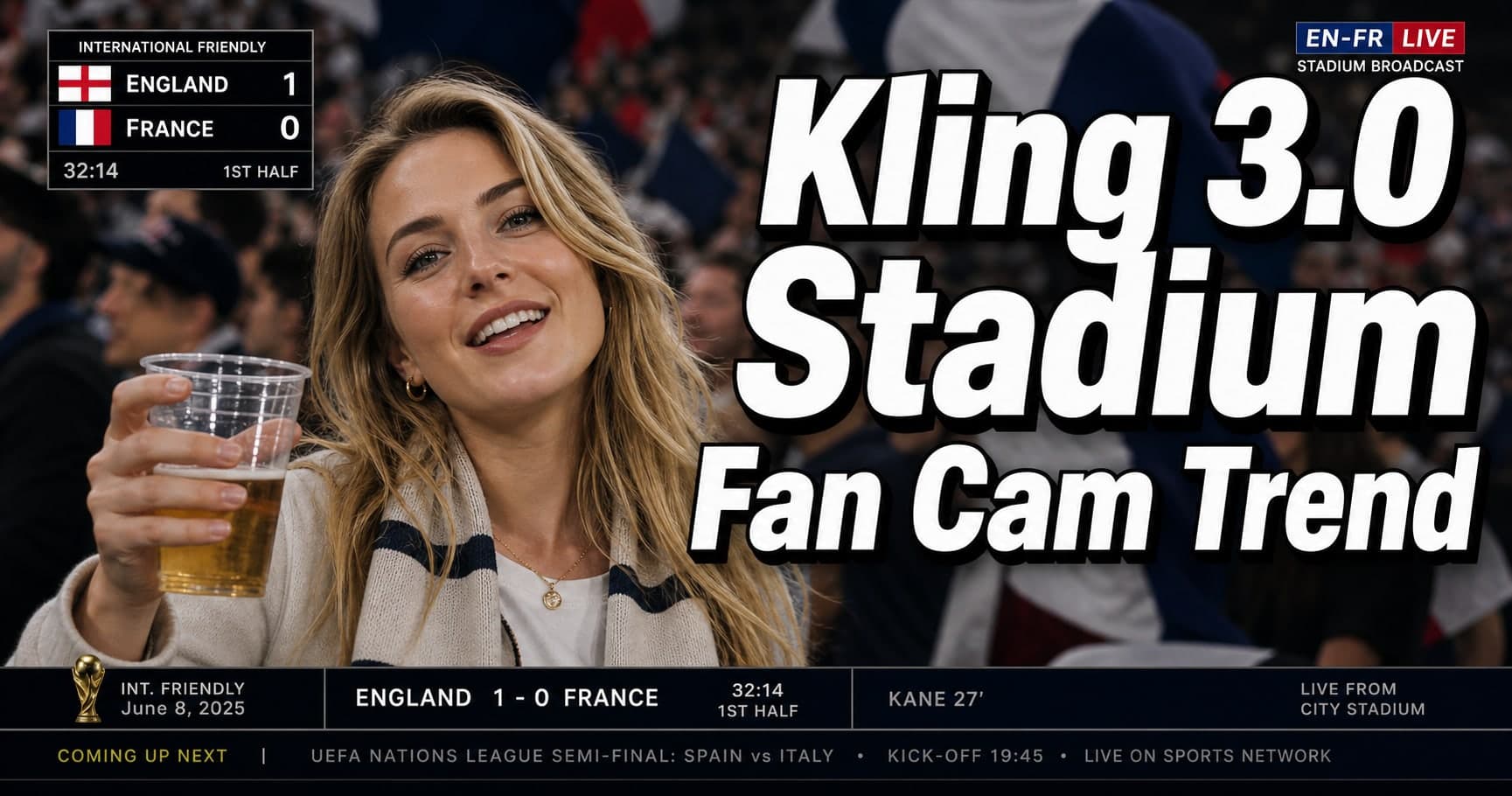
Kling 3.0 Stadium Fan Cam Trend: How to Prompt a Real Broadcast Look
A practical prompt blueprint for the Kling 3.0 stadium fan cam trend: broadcast realism cues, failure fixes, and a safe comparison plan.
Gemini Omni model: What It Is (and How to Build Safely While It’s Still Unclear)
A practical guide to the Gemini Omni model rumor cycle: what’s confirmed, what’s not, and how to ship video features safely using Veo 3.1 today.
Kling 3 4k Cost Routing
SEO-friendly description for search engines
Kling 3 4K Multi-Shot Consistency: Lock Sheets, Shot Rules, and a Ship-Pass Workflow
SEO-friendly description for search engines
Kling 3 I2V 4K vs T2V 4K: What Ships Cleaner (and What Iterates Faster)
SEO-friendly description for search engines
Kling 3.0 vs HappyHorse 1.0: A Production-First Comparison (Quality, Control, Audio, API)
A production-first Kling 3.0 vs HappyHorse 1.0 comparison: what sources claim, how to read leaderboards, a 30-minute evaluation harness, and a decision matrix for short-form teams.