
Experience Kling 2.6 Video Generation
Generate stunning AI videos with the world's most advanced Kling 2.6 model. Unrivaled prompt adherence and temporal consistency await.
Output
Studio-style videos
Workflow
Prompt to result
Access
No card to explore
Available models
No credit card required • Instant Access
Preview
AI video output in motion
Control
Prompt, image reference, duration, resolution and audio toggles stay visible in one clean workspace.
Result
A softer product shell keeps the preview feeling premium without slipping back into heavy neon effects.
Kling 2.6 Professional Suite
Harness the full capabilities of the Kling 2.6 video engine for superior video synthesis.
Insufficient credits?
🍌Try our Image Lab (5 credits/img)Why Kling 2.6 Video AI?
Explore the capabilities that make Kling 2.6 the leader in generative AI video.
Cinematic Motion
Kling 2.6 sets a new benchmark for video motion, creating smooth camera movements and natural dynamics.

Focus
Cleaner SaaS framing
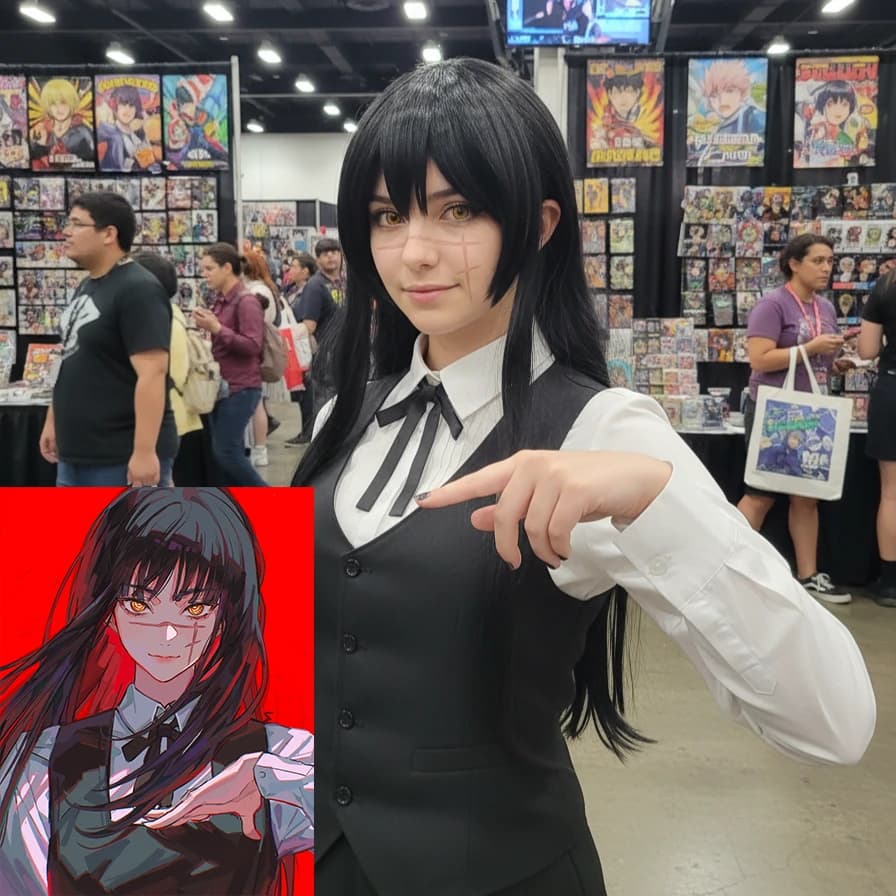
Temporal Consistency
Finally, an AI that maintains coherence. Kling handles scene transitions and object persistence perfectly.
Focus
Cleaner SaaS framing
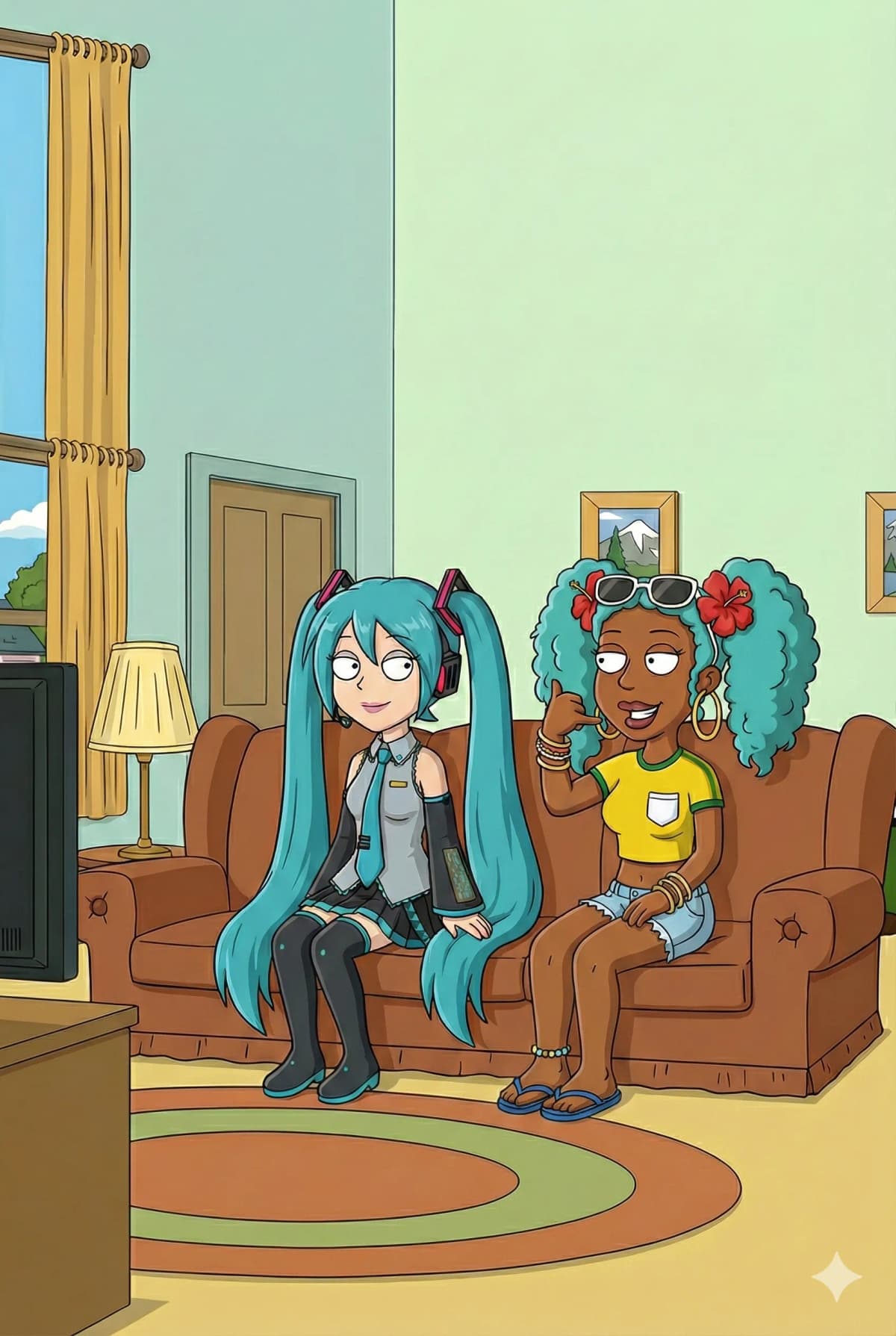
Deep Scene Understanding
The video engine understands complex scenes, ensuring every element of your prompt is animated perfectly.
Focus
Cleaner SaaS framing
Rapid Video Generation
With Kling Fast, get high-quality video iterations in seconds without sacrificing motion quality.

Focus
Cleaner SaaS framing
Audio-Visual Examples
Experience the next generation of video generation with high-fidelity audio synchronization.
Loading video...
Cinematic Collectible Figure
Cinematic showcase of an ultra-realistic collectible figure, slow dolly in, distinct texture details.
Loading video...
Glowing Line-Art Teens
Two glowing line-art teenagers stand silently face to face in a bustling subway station, 2d animation style.
Loading video...
Surreal Translucent Figure
A surreal human figure with a semi-transparent, fluid body stands amidst vibrant flames.
Loading video...
Terminator Action Set
Create a behind-the-scenes production photo on a highway action set styled after Terminator 2, James Cameron directing.
Loading video...
Bicycle Girl & Dog
Animate a young girl riding a bicycle down a mountain path with flowing green meadows, windy atmosphere.
Loading video...
Bohemian Rhapsody Opera
Sing the first line of 'Bohemian Rhapsody' in the most operatic voice imaginable.
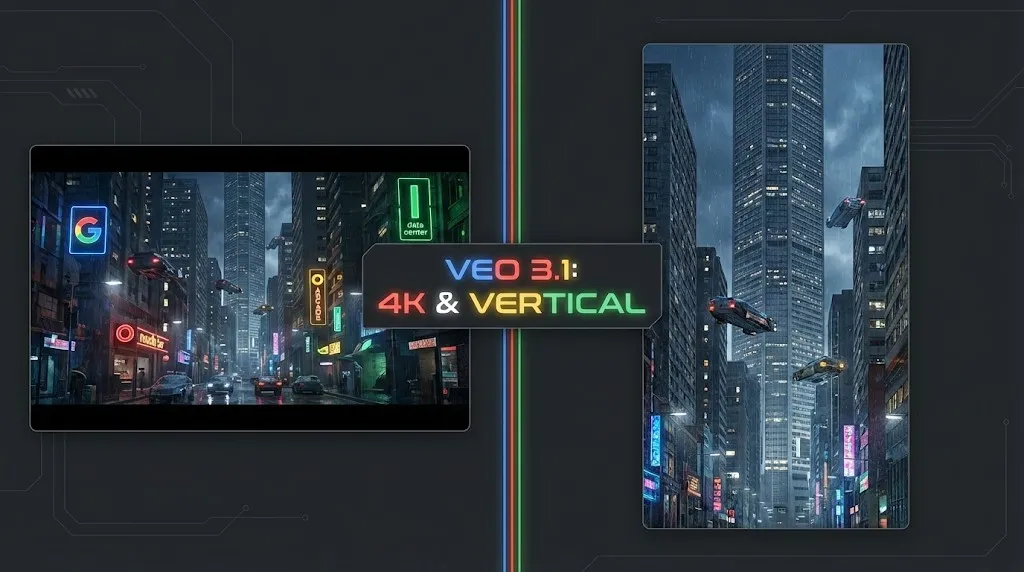
Google Veo 3.1 Review: The 4K, Vertical, and Consistent Video Revolution
Google Veo 3.1 brings native 4K upscaling, 9:16 vertical video, and identity consistency. Plus, a look at the leaked Veo 3.2 model code.
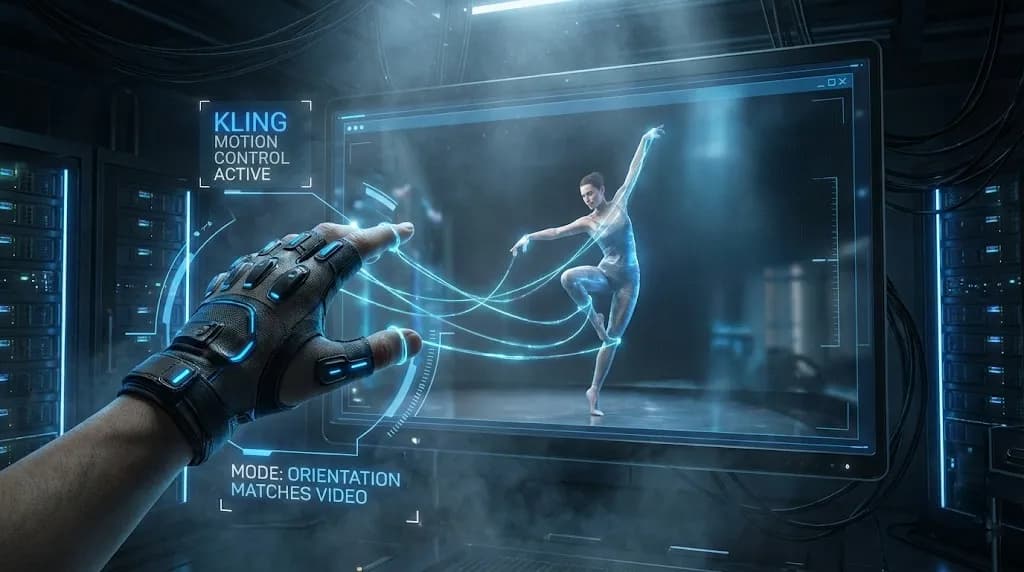
Mastering Kling Motion Control: The Ultimate Guide to AI Digital Puppetry (2026)
A deep dive into Kling Motion Control features. Learn to use Character Orientation modes, fix common errors, and master the workflow for cinematic AI video production.
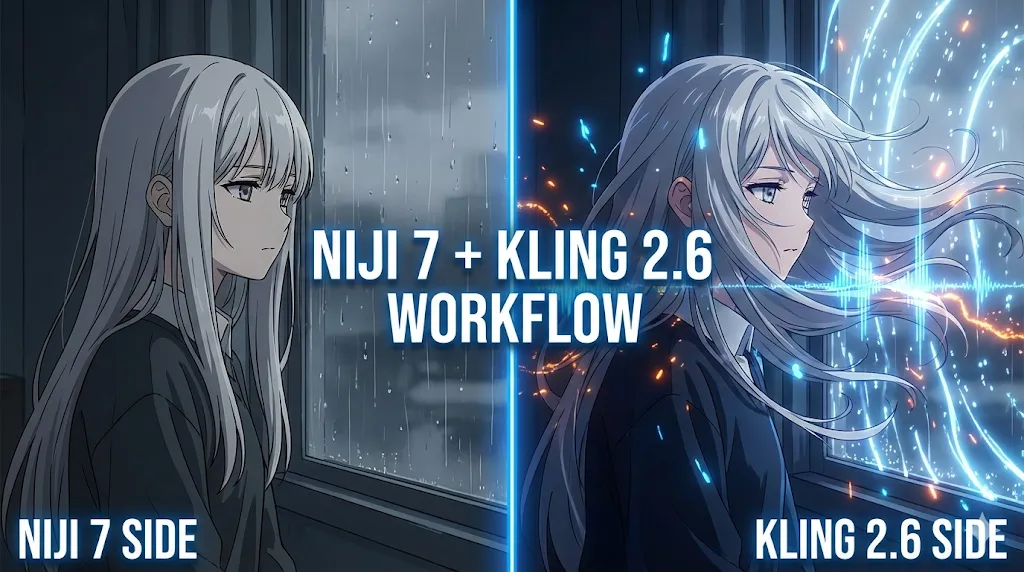
Kling 2.6 & Niji 7 Workflow: How to Create Viral AI Anime Dramas (2026 Guide)
Master the ultimate AI anime workflow combining Niji 7's visuals with Kling 2.6's native audio and motion control. A step-by-step guide for creating viral manga dramas.

GLM-Image Review: The New King of Text Rendering?
We tested Zhipu AI's GLM-Image. It runs on Huawei chips, costs pennies, and might just be the best AI for generating text-heavy posters. Here is our deep dive.

PixVerse R1 Review: The First Real-Time Interactive AI World Model?
Hands-on review of PixVerse R1 real-time AI video generator. We test its 1080p streaming, infinite generation capabilities, and compare performance vs Runway Gen-3.

Kling 2.6 Deep Dive: Native Audio, Video Length & API Pricing Explained
Explore the new Kling 2.6 features including native audio and extended video length. We break down the pro model costs, API pricing, and how to start.
Kling 2.6 Ultimate Guide: Mastering Motion Control, Lip Sync, and Model Download
Deep dive into Kling 2.6 features including Motion Control and Lip Sync. Learn how to download the model, run it locally, and compare it with Higgsfield.

Kling 2.6 vs Wan 2.6: The Ultimate Guide to AI Video Consistency & Workflow (2025)
Comparison of Kling 2.6 and Wan 2.6 for AI video generation. We test character consistency, R2V workflows, and solve common audio distortion issues.
Kling Video Workflow
Create professional videos with Kling 2.6 in three steps
Input Scene
Describe your scene with motion details. The Kling video engine thrives on detailed natural language.
Select Kling Mode
Choose 'Fast' for quick previews or 'Pro' for cinematic quality and smooth motion.
Generate & Refine
Receive your video instantly. Use built-in tools to adjust timing or vary the motion.
Why Kling 2.6 Video AI?
Join the revolution in AI video generation technology.
Kling 2.6 offers superior motion understanding and video quality compared to legacy models, giving you total creative control.
Motion Technology
Better understanding of temporal relations and motion
Kling 2.6 Quality
Industry-leading video realism and cinematic quality
Blazing Speed
Optimized inference on top-tier GPUs
Commercial Ready
Clear licensing for professional video production

Kling Community Voices
Hear from creators and studios switching to Kling 2.6 Video AI.
Alex Rivera
Film DirectorThe motion quality on Kling 2.6 is insane. I used to spend hours in post-production; now Kling gets smooth camera movements right the first time.
Maria Chen
Video EditorFinally, I can generate B-roll with perfect temporal consistency! Kling 2.6 is the only tool that handles scene transitions this well.
David Smith
Content CreatorKling Fast is blazing fast. I generate video backgrounds for my content in seconds, and the motion quality beats everything else.
Elena Costa
Marketing LeadWe switched our entire video campaign generation to this Kling platform. The cinematic lighting and smooth motion are unmatched.
James Wilson
ArchitectFor architectural walkthroughs, Kling understands spatial movement better than any other AI I've tried.
Sophie Turner
Fashion VideographerThe fabric movement Kling 2.6 generates is incredible. It's an essential tool for my fashion video production.
Michael Brown
Game DeveloperCreating game cinematics has never been easier. The consistency I get with Kling seeds is perfect for my workflow.
Lisa Wang
Brand ManagerBeing able to generate branded video content with perfect motion timing using Kling's capabilities is a huge time saver.
Khatab Wedaa
CinematographerAs a cinematographer, I'm impressed by the camera movements and lighting simulation in Kling 2.6 Pro. It feels like real footage.
Rodrigo Aguilar
Creative DirectorI love this Kling generator ❤️. The video engine really understands the 'motion' I'm asking for without complex keyframes.
Eric Ampire
Creative DirectorKling 2.6 is the tool we've been waiting for. Professional video quality, smooth motion, just pure cinematic creativity.
Roland Tubonge
Motion DesignerThe motion graphics capabilities are beautiful. Kling handles animation curves and timing with such precision.
Starter Pack
160 credits • No hidden fees
Kling 2.6 FAQ
Common questions about the Kling Video AI engine.