
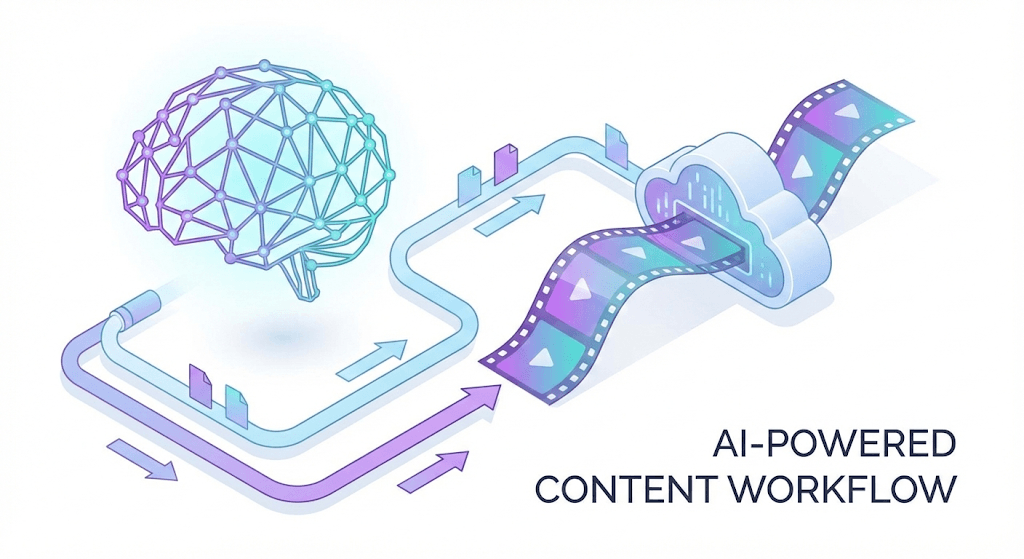
Mastering AI Video: The Ultimate Guide to Character Consistency (2026)
Creating consistent characters in AI video generation is one of the biggest challenges creators face today. Whether you're working with Kling AI, Wan, or other platforms, AI video character face morphing can completely ruin an otherwise perfect video. This comprehensive guide will show you proven techniques to maintain character consistency throughout your AI-generated videos.
The Problem: Why Face Morphing Destroys AI Videos
AI video character face morphing occurs when the AI struggles to maintain facial features across multiple frames, resulting in:
- Distorted facial features that change shape mid-video
- Inconsistent eye colors and shapes
- Morphing jawlines and nose structures
- Background elements that flicker and change
These issues make your videos look unprofessional and can destroy viewer engagement. The root cause lies in how AI models process temporal consistency - they often treat each frame as somewhat independent, leading to gradual drift in facial characteristics.
Solution: Seed Consistency + Image-to-Video Techniques
Understanding Seed Consistency
The key to preventing AI video character face morphing lies in seed consistency. When you use the same seed value across related generations, the AI maintains better feature coherence. This technique works exceptionally well with Kling AI's advanced generation modes.
Combining Image-to-Video with Consistent Seeds
Here's the breakthrough approach that top creators use:
- Generate a consistent character image using Midjourney or similar tools
- Use that image as your base for video generation
- Apply consistent seed values throughout your workflow
- Control motion parameters to minimize facial distortion
This method addresses the core issue behind AI video character face morphing fix techniques that professionals rely on.
Complete Workflow: Midjourney to Kling Character Consistency
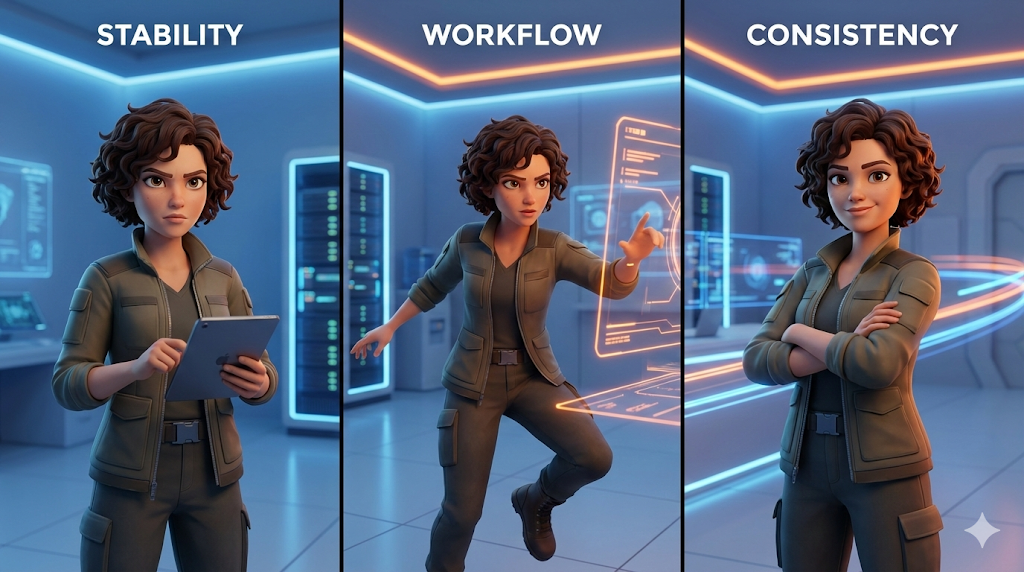
Step 1: Create Your Character in Midjourney
Start by generating a high-quality character image in Midjourney. Use specific prompts that define:
- Clear facial features and expressions
- Consistent lighting conditions
- Detailed character descriptions
- Specific artistic style parameters
Step 2: Optimize for Kling AI Image-to-Video
Once you have your character, prepare it for Kling AI image to video prompt structure:
Character: [Your consistent character image]
Motion: Gentle head turn, subtle facial expressions
Duration: 3-5 seconds for optimal consistency
Style: Cinematic, high-fidelity rendering
The Kling AI image to video prompt structure should emphasize stability over complex movements to minimize morphing risks.
Step 3: Import to Kling and Configure Settings
Upload your character image to Kling AI and configure:
- Seed value: Use a consistent seed across all generations
- Motion intensity: Start with low values (0.3-0.5) to prevent over-morphing
- Duration: Shorter clips maintain better consistency
- Resolution: Higher resolutions often preserve facial details better
Step 4: Fine-tune with Motion Brush
Kling's Motion Brush tool is crucial for preventing background flickering while maintaining character consistency:
- Select only the character's face for minimal motion
- Keep background elements static to avoid flickering
- Use gentle, directional movements rather than complex rotations
- Test with short clips before committing to longer sequences
This approach helps prevent background flickering while ensuring your character remains stable throughout the video.
Advanced Techniques for Professional Results
Multi-Generation Consistency
For longer videos requiring multiple generations:
- Maintain the same seed family by incrementing seed values systematically
- Use overlapping frames between segments for smooth transitions
- Apply consistent color grading across all generated segments
- Test character consistency with short clips before full generation
Quality Control Checkpoints
Establish checkpoints in your Midjourney to Kling workflow:
- Character image approval before video generation
- Short test clips to verify consistency
- Frame-by-frame review for morphing issues
- Background stability checks for flickering problems
Troubleshooting Common Issues
When Face Morphing Still Occurs
If you still experience AI video character face morphing:
- Reduce motion complexity in your prompts
- Increase seed consistency across generations
- Use higher resolution base images for better detail preservation
- Shorten video duration to minimize drift accumulation
Background Flickering Solutions
To address persistent background issues:
- Use static background references in your prompts
- Apply motion masks to isolate character movement
- Consider green screen techniques for post-processing flexibility
- Test different lighting conditions for optimal stability
Conclusion: Mastering Character Consistency
The combination of seed consistency, image-to-video workflows, and controlled motion parameters creates a powerful system for maintaining character integrity across AI-generated videos. This Midjourney to Kling workflow has become the gold standard for professional AI video creators.
Remember that preventing background flickering and AI video character face morphing fix techniques require practice and patience. Start with simple movements and gradually increase complexity as you master the fundamentals.
By following this guide, you'll be able to create professional-quality AI videos with consistent characters that maintain their identity throughout the entire sequence. The key is understanding that consistency comes from systematic approaches, not random generation attempts.
Ready to implement these techniques? Start with a simple character and short clips, then gradually build up to more complex scenarios as you perfect your workflow.
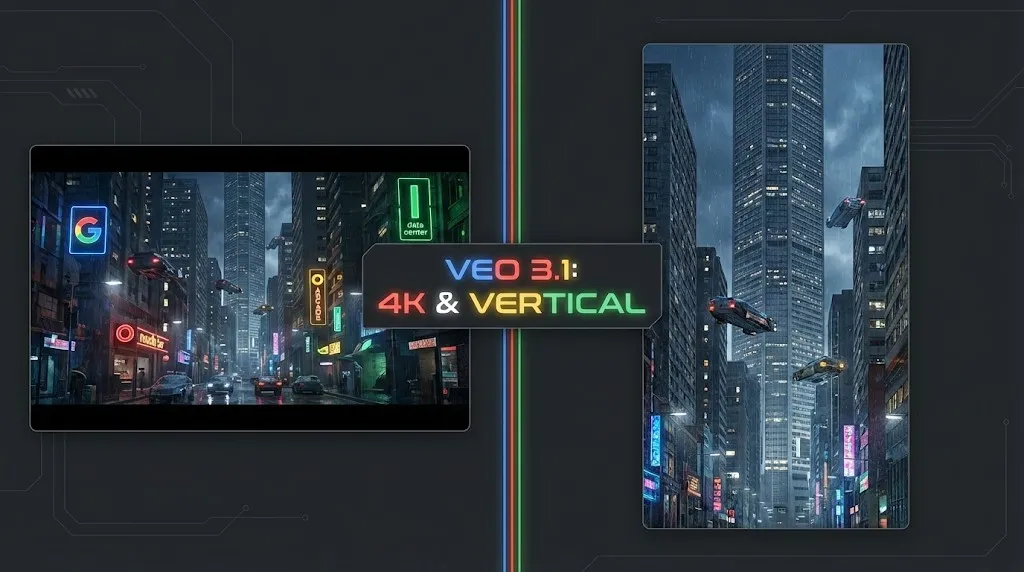
Veo 4 vs Seedance 2.1: Why the Next AI Video War May Be About Cost, Not Cinematic Quality
Seedance 2.1 is reportedly close, Veo 4 is widely expected around Google I/O, and Gemini Omni Flash has appeared inside Flow. The real question is no longer who looks most cinematic, but who lowers the cost of stable, usable output.
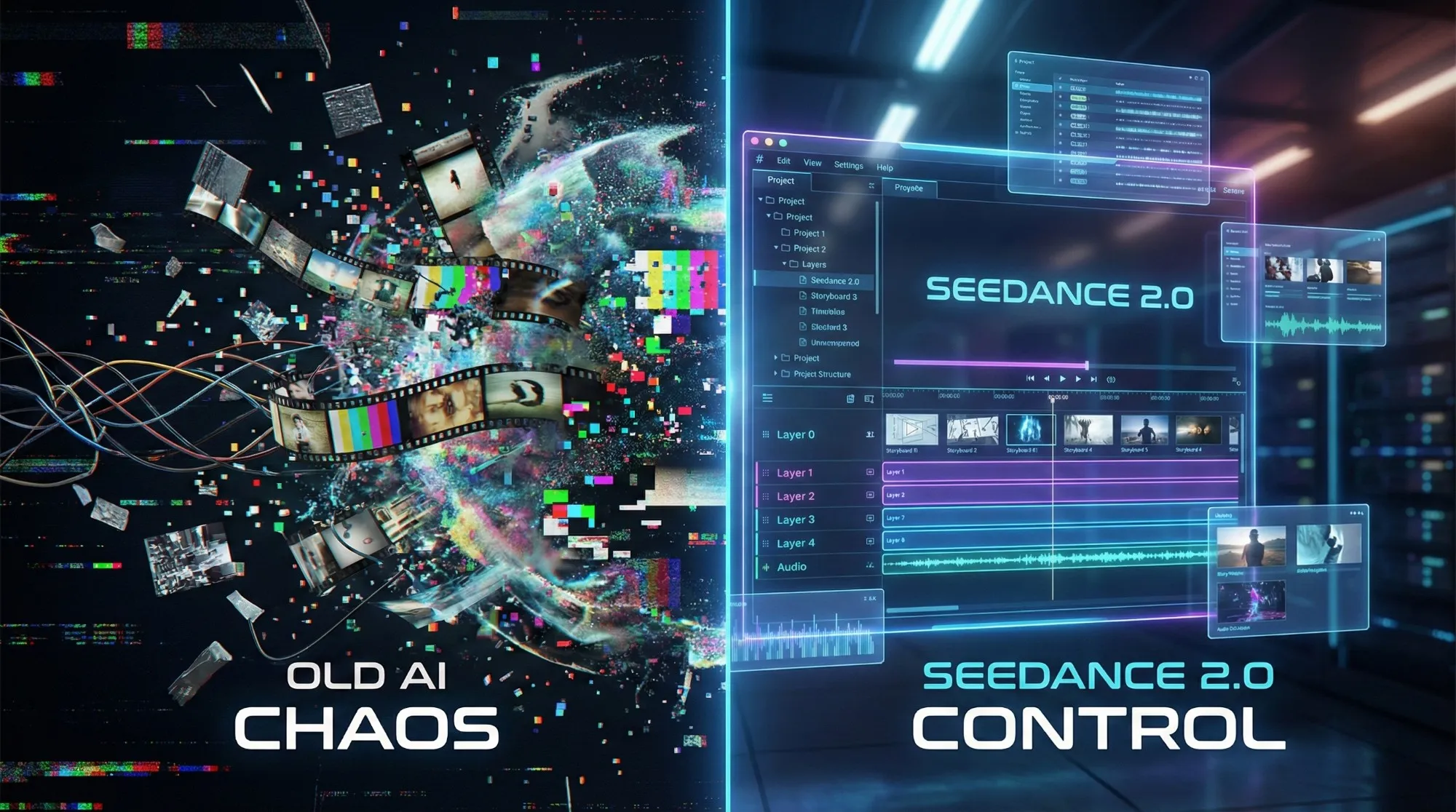
Seedance 2.1 May Be Coming Soon: Reported 20% Quality Gain, Cheaper Tier, and What Creators Should Watch
Seedance 2.1 is reportedly close to launch, with claims of a 20% quality improvement and a cheaper Seedance 2.0 tier. Here is what seems known, what is still unconfirmed, and why the update matters.
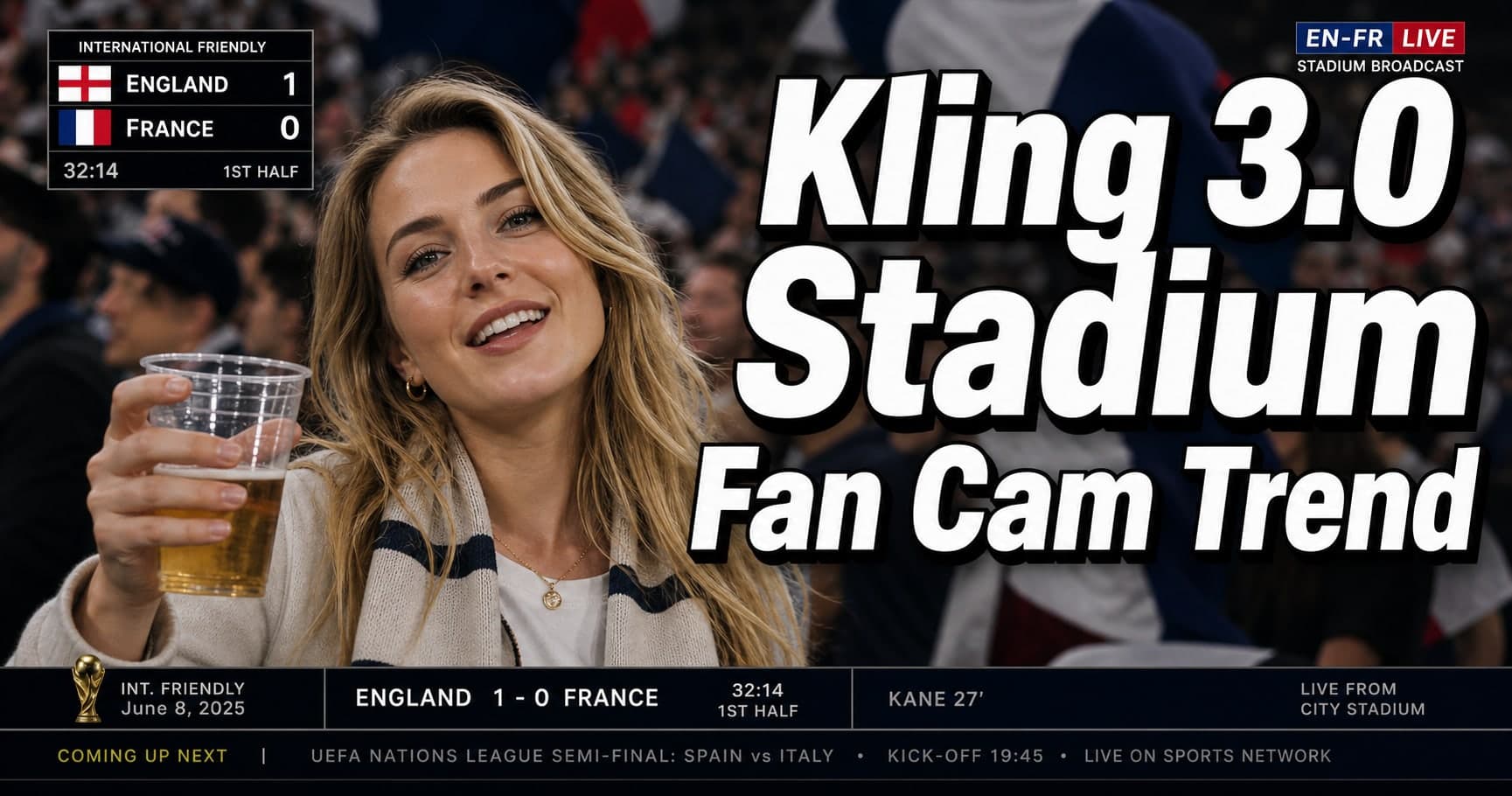
Kling 3.0 Stadium Fan Cam Trend: How to Prompt a Real Broadcast Look
A practical prompt blueprint for the Kling 3.0 stadium fan cam trend: broadcast realism cues, failure fixes, and a safe comparison plan.
Gemini Omni model: What It Is (and How to Build Safely While It’s Still Unclear)
A practical guide to the Gemini Omni model rumor cycle: what’s confirmed, what’s not, and how to ship video features safely using Veo 3.1 today.
Kling 3 4k Cost Routing
SEO-friendly description for search engines
Kling 3 4K Multi-Shot Consistency: Lock Sheets, Shot Rules, and a Ship-Pass Workflow
SEO-friendly description for search engines
Kling 3 I2V 4K vs T2V 4K: What Ships Cleaner (and What Iterates Faster)
SEO-friendly description for search engines
Kling 3.0 vs HappyHorse 1.0: A Production-First Comparison (Quality, Control, Audio, API)
A production-first Kling 3.0 vs HappyHorse 1.0 comparison: what sources claim, how to read leaderboards, a 30-minute evaluation harness, and a decision matrix for short-form teams.