
Kling 3.0 vs Runway Gen-4.5: The Ultimate AI Video Showdown (2026 Comparison)
Kling 3.0 vs Runway Gen-4.5: The Ultimate AI Video Showdown (2026 Comparison)
The year 2026 has marked a watershed moment for AI video generation technology. As the industry matures, two distinct philosophies have emerged in the flagship arena: Runway's Gen-4.5, celebrated for its Hollywood-grade physics simulation, and Kling 3.0, which has carved out a dominant position through native audio synchronization and unparalleled narrative coherence.
This isn't merely a battle of technical specifications—it's a clash of creative visions that will define how filmmakers, content creators, and marketers approach video production for years to come. In this comprehensive analysis, we're conducting a dual comparison that covers both the premium tier and the practical, everyday-use tier.
We'll examine the flagship confrontation between Kling 3.0 Video and Runway Gen-4.5, while also evaluating how the Kling Video 2.6 standard model stacks up against Runway's Gen-4. Whether you're a professional filmmaker seeking cinematic perfection or a social media creator hunting for the best free AI video tool 2026 has to offer, this guide will provide the clarity you need to make an informed decision.
The Flagship Battle: Kling 3.0 vs Runway Gen-4.5
When we talk about the absolute pinnacle of AI video generation in 2026, the conversation inevitably centers on two powerhouses. The Kling 3.0 vs Runway Gen-4.5 comparison represents the industry's most sophisticated debate, pitting two fundamentally different approaches to synthetic media against each other.
Both models can generate stunning 1080p footage, both handle complex prompts with remarkable fidelity, yet they excel in distinctly different creative domains.
Audio & Duration: The 15-Second Revolution
The most significant differentiator in the comparison lies in how these systems handle time and sound. Kling AI 3.0 has achieved something genuinely revolutionary: native audio generation synchronized perfectly with 15-second video clips.
This isn't post-production audio overlay—it's a unified generative process where the model understands that a character's lips should match their words, that footsteps should correspond to gait, and that environmental ambience should evolve naturally with the scene.
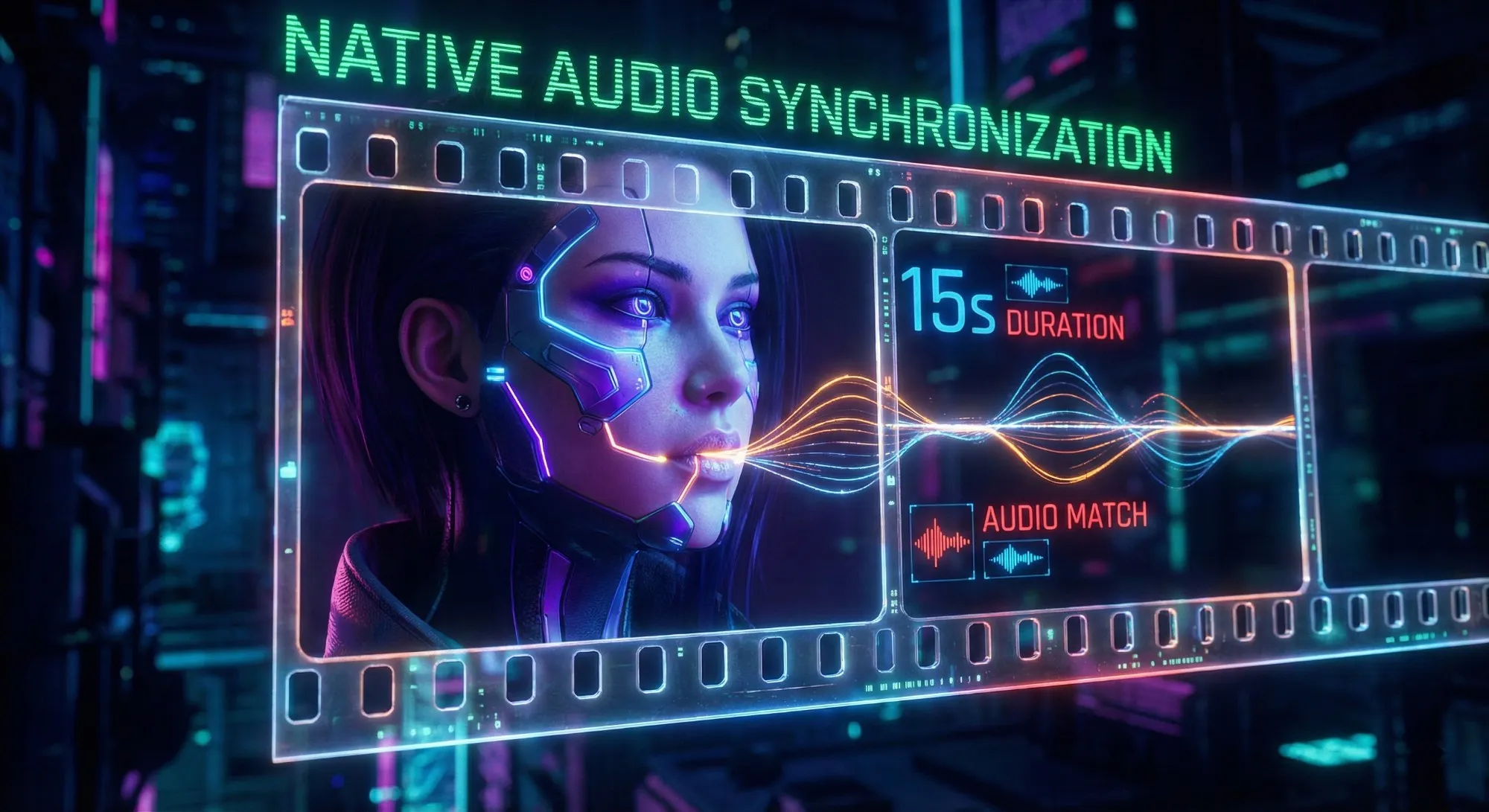
This Kling 3.0 native audio generation capability transforms what's possible in AI filmmaking. Creators can now produce complete narrative sequences with dialogue, sound effects, and musical cues in a single generation pass. The Kling 3.0 15s video consistency is remarkable; characters maintain their vocal characteristics across shots, and audio transitions feel organic rather than stitched together.
Runway Gen-4.5, while visually spectacular, approaches audio differently. Its strength lies in visual fidelity and physical simulation, but audio must typically be added in post-production. For creators prioritizing workflow efficiency and complete scene generation, the Kling 3.0 text to video workflow offers a compelling advantage.
You can describe an entire scene—dialogue, action, camera movement, and environmental sound—and receive a cohesive result that requires minimal additional work. The implications for storytelling are profound. The realistic AI human motion 2026 demands extends beyond mere visual accuracy to encompass the full audiovisual experience. Kling3 understands that a character whispering requires different audio treatment than one shouting, and it generates these variations natively.
Physics vs Storytelling: Different Creative Philosophies
Runway Gen-4.5 has built its reputation on being the ultimate physics engine. When you need to simulate fluid dynamics, explosions, fabric movement in wind, or complex object interactions, Gen-4.5 produces results that approach cinematic VFX quality. The model excels at "spectacle"—those visually arresting moments that make viewers pause and marvel at the technical achievement.
However, the Kling 3.0 vs Runway Gen-4.5 physics debate reveals a crucial distinction.
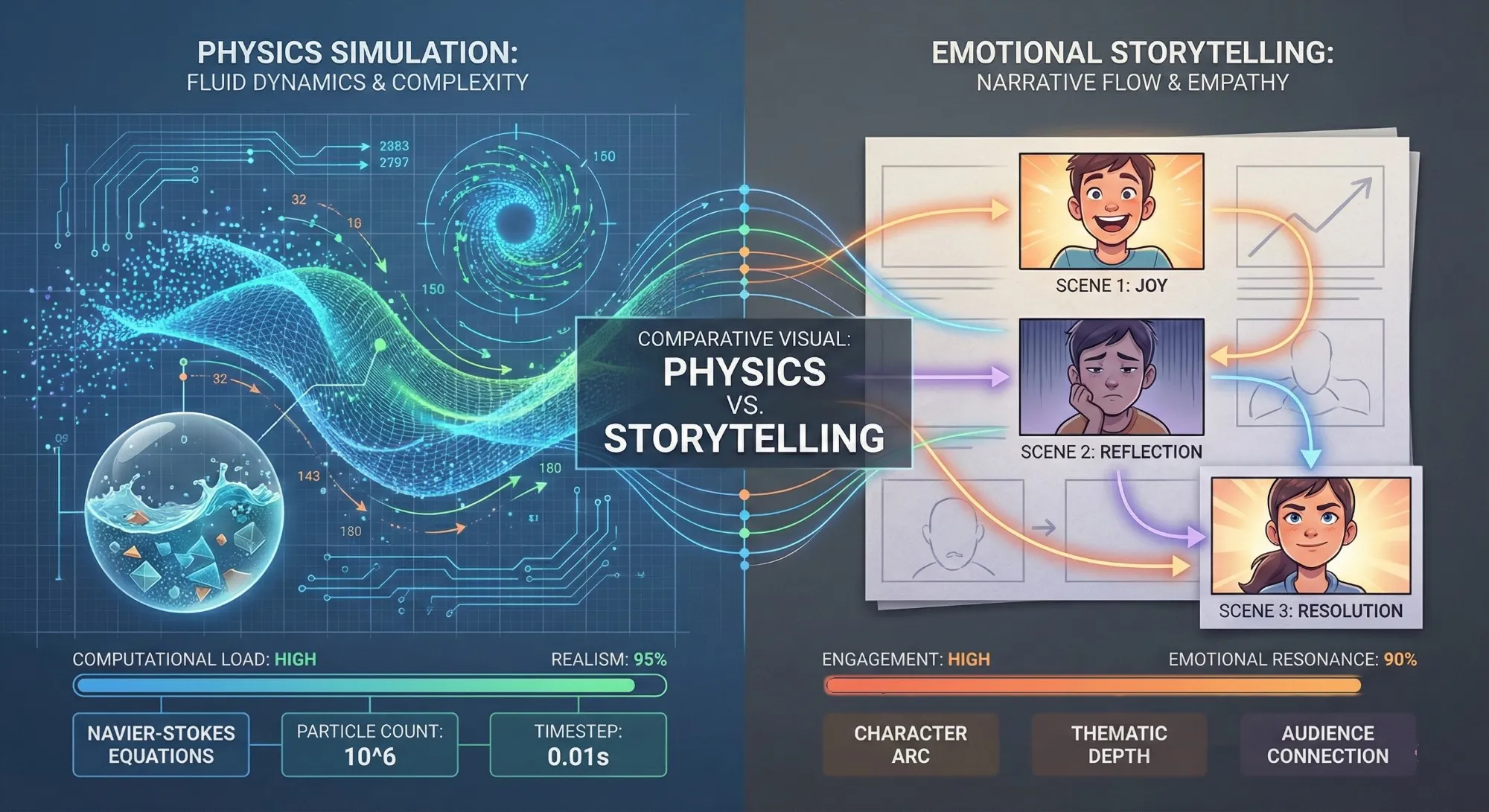
While Gen-4.5 wins on pure simulation accuracy, Kling 3.0 generator technology prioritizes something equally valuable: narrative coherence across time. In extended sequences, Kling Video 3 maintains character consistency, logical scene progression, and emotional through-lines that Gen-4.5 sometimes sacrifices for visual impact.
Consider a typical use case: a two-character dialogue scene with subtle emotional beats. The Kling 3.0 image to video workflow can take a reference image of your characters and generate a conversation where expressions evolve naturally, body language supports the subtext, and the 15-second duration allows for genuine dramatic development.
The Kling 3.0 storytelling features shine in these moments—it's not just generating video; it's generating narrative. While Runway Gen-4.5 alternative free options exist, they typically compromise on either duration or audio capabilities. For professional creators who need both, Kling 3.0 vs Sora 2 review conversations often highlight that Kling's integrated approach provides more practical value than competitors focusing solely on visual fireworks.
The Multimodal Workflow Advantage
Modern video production rarely starts from text alone. The Kling 3.0 image to video workflow acknowledges this reality, offering robust support for image-to-video and video-to-video generation that maintains stylistic consistency across modalities.
Upload a concept art piece, a photograph, or a previous video clip, and Kling AI 3.0 extends or transforms it while preserving the essential visual DNA. This multimodal flexibility proves invaluable for professional workflows. Concept artists can bring their illustrations to life. Photographers can animate their still images. Video editors can extend B-roll or create variations on existing footage.
The Kling 3.0 cinematic prompting guide community has developed sophisticated techniques for maintaining visual consistency across these different input types, ensuring that projects maintain a unified aesthetic regardless of their starting point.
Pro Tip: When using Kling 3 text to video, try describing the soundscape in the prompt (e.g., "sound of heavy rain hitting the pavement"). The model's native audio engine will pick up on these cues.
Ready to experience the future of AI video generation? The Kling 3.0 model represents the cutting edge of what's possible in 2026. Visit https://kling3.dev to start creating with native audio, 15-second consistency, and professional-grade narrative control.
The Standard Battle: Kling 2.6 vs Runway Gen-4
While flagship models capture headlines, the reality of daily content creation often happens at the standard tier. This is where the Kling 2.6 vs Runway Gen-4 comparison becomes genuinely interesting. Kling Video 2.6, once the company's flagship model, has been repositioned as a high-performance standard offering—and in this role, it excels spectacularly.
Quality & Speed: The Previous Generation Advantage
There's a pattern in AI development where yesterday's flagship becomes today's value champion. The Kling 2.6 standard model exemplifies this transition perfectly. When it launched, Kling 2.6 AI set new benchmarks for video quality and motion coherence. Today, it delivers that same performance at a price point that makes it accessible to individual creators and small teams.
In head-to-head comparisons, Kling 2.6 vs Runway Gen-4 quality evaluations consistently favor Kling's offering. The 1080p output remains crisp and professional, motion handling avoids the jitteriness that plagues lesser models, and the overall aesthetic feels polished rather than obviously AI-generated.
For social media content, marketing materials, and even low-budget indie productions, Kling 2.6 tool capabilities exceed what most projects actually require. Speed represents another crucial advantage. Kling2.6 has been optimized through extensive deployment, meaning generation times are consistently fast without the queue delays that sometimes affect newer, more resource-intensive models.
For creators working under deadline pressure—social media managers responding to trending topics, news organizations creating visual content, marketers iterating on campaign concepts—this responsiveness is invaluable. The Runway Gen-4 vs Kling 2.6 quality debate ultimately comes down to use case. Gen-4 produces beautiful results, but Kling 2.6's combination of quality, speed, and cost-effectiveness creates a compelling value proposition for high-volume workflows.
Motion Control: Precision Through the Brush
One feature that distinguishes Kling 2.6 Video from many competitors is its sophisticated motion control system.
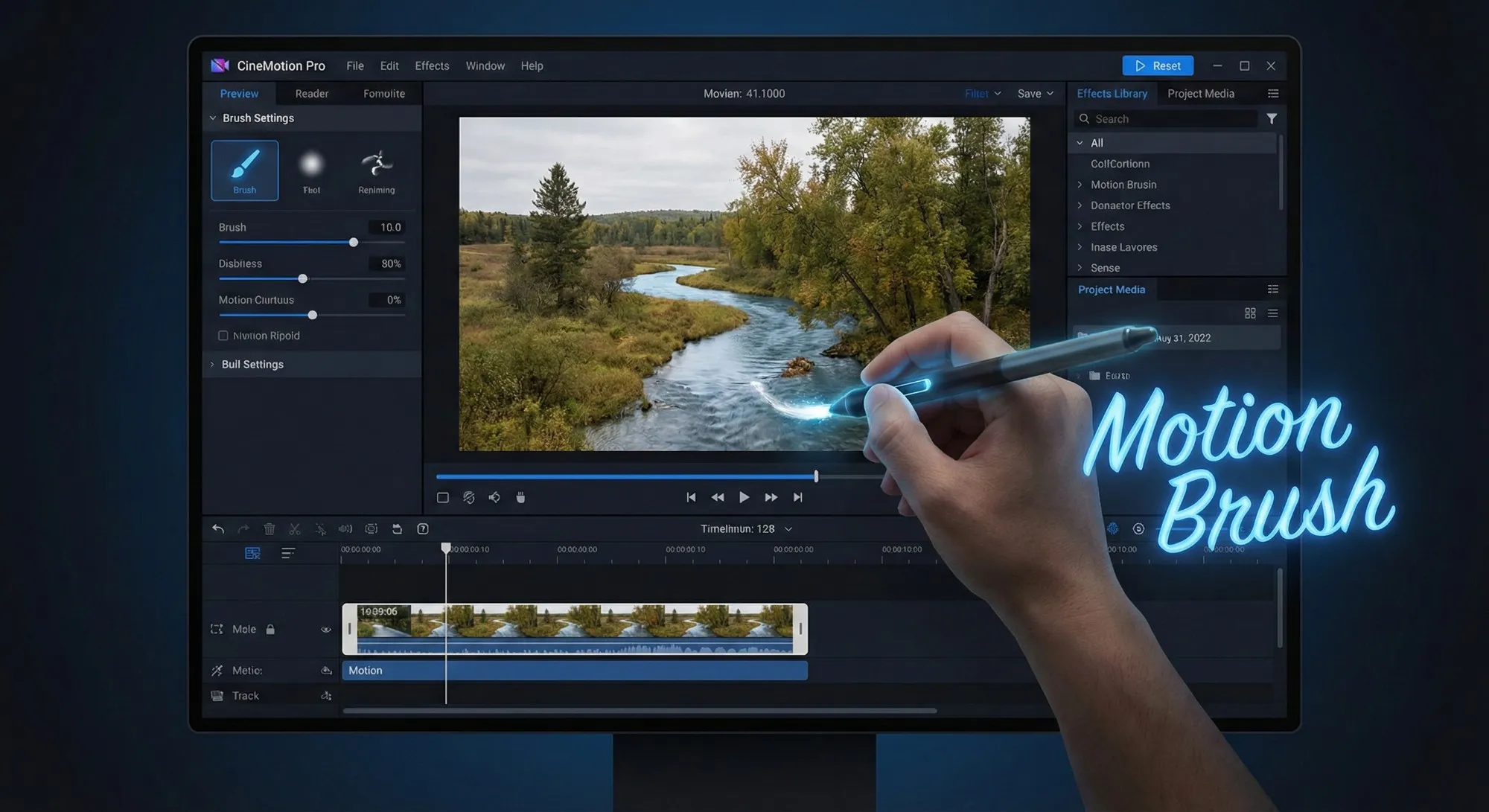
The Kling 2.6 motion brush tutorial community has grown substantially, with creators sharing techniques for directing specific elements within a scene with pixel-level precision. Unlike broad prompt-based direction, the motion brush allows you to literally paint movement paths onto your input image.
- Want the background to drift slowly left while your subject moves right? Paint those motions directly.
- Need a specific object to rotate while others remain static? The brush makes it possible.
This Kling 2.6 camera control guide approach gives creators a level of directorial control that feels more like traditional animation than AI generation. Runway Gen-4 offers camera controls, but the Kling 2.6 motion brush provides more granular influence over scene elements. For creators who need specific, intentional motion rather than AI interpretation of prompts, this precision is transformative.
Audience Alignment: Who Benefits Most?
Understanding the ideal user for each platform clarifies the Kling 2.6 vs Runway Gen-4 decision.
Runway Gen-4 targets creators who need occasional, high-quality clips and are willing to pay premium prices for each generation. It's excellent for film previsualization, high-end commercial work, and artistic projects where budget is secondary to aesthetic perfection.
Kling AI 2.6, conversely, has become the go-to platform for high-frequency content creators. The cheap AI video generator for TikTok market has embraced Kling 2.6 enthusiastically because it delivers professional results at a fraction of the cost. Influencers, digital marketers, and social media agencies generate dozens or hundreds of clips monthly, making Kling 2.6 for social media marketing an obvious choice.
The Kling 2.6 anime style generation capabilities have also found particular favor with specific creator communities. The model handles stylized, non-photorealistic content with remarkable skill, producing anime-inspired sequences that maintain character consistency and stylistic coherence across multiple generations. For creators in these niches, Kling 2.6 vs Luma Dream Machine comparisons often conclude that Kling offers more reliable stylistic control.
Looking for the perfect balance of quality and affordability? The Kling 2.6 platform delivers professional-grade AI video generation optimized for creators who need volume without sacrificing standards. Explore the tools and workflows at https://www.kling2-6.com.
Pricing & Value: The "Daily Free" Advantage
In the economics of AI video generation, pricing models matter as much as technical capabilities. This is where the distinction between Kling's approach and Runway's approach becomes most stark—and most consequential for users.
The Replenishing Secret
The most significant differentiator in the pricing conversation is Kling 2.6 daily free credits.

Unlike competitors who offer one-time trial allocations, Kling AI provides approximately 66 free credits every day that refresh automatically. This isn't a promotional gimmick; it's a fundamental architectural decision that changes how creators can engage with the platform.
Consider the practical implications:
- Runway's Model: A creator using Runway's one-time trial (typically around 125 credits) faces a decision: use them quickly for immediate projects, or ration them carefully. Once exhausted, continued use requires immediate payment.
- Kling's Model: The daily replenishment model removes this pressure entirely. You can experiment freely, knowing that tomorrow brings fresh credits.
Try that wild prompt idea without worrying about "wasting" resources. Generate variations on a concept to find the perfect shot. The Kling 2.6 daily free credits system treats creativity as a renewable resource rather than a finite commodity.
For creators searching for the best free AI video tool 2026, this distinction is decisive. While truly unlimited free generation doesn't exist at professional quality levels, Kling's approach comes closest to enabling genuine creative exploration without immediate financial commitment.
Subscription Value: The Per-Second Calculation
When evaluating paid tiers, the relevant metric isn't just monthly cost—it's value per second of generated content. While specific pricing fluctuates, the general pattern holds: Kling 3.0 pricing typically offers better value per second compared to Runway's structure.
Runway's pricing often emphasizes the "Hollywood-grade" positioning of their models, with costs reflecting that premium. For productions where only Gen-4.5's physics simulation will suffice, this cost is justified. However, for the vast majority of video generation needs—social content, marketing materials, internal communications—Kling's models deliver equivalent or superior practical results at more accessible price points.
The Kling 2.6 standard plan value proposition becomes particularly compelling when calculating long-term costs. A creator generating 50 clips monthly might find that Kling's subscription covers their entire workflow, while Runway's pricing for equivalent volume creates genuine budget pressure. It's worth noting that Kling 2.6 watermark removal cost is straightforward and reasonable, with paid tiers naturally removing watermarks.
FAQ: Common Questions About Kling vs Runway
To help you make the final decision, we've compiled answers to the most frequent questions from our community.
Q: Is Kling 3.0 really free to use? A: Kling 3 ai operates on a freemium model. You receive daily free credits (approx. 66) that can be used to generate standard videos. However, advanced features like Kling 3.0 native audio or High-Performance mode may require a paid subscription.
Q: Can I use Kling generated videos for commercial purposes? A: Yes, paid subscriptions typically include commercial rights. If you are using the Kling 2.6 standard model on a free tier, we recommend checking the latest terms of service, but generally, professional use is encouraged on paid plans.
Q: How does Kling 3.0 compare to Sora? A: In many Kling 3.0 vs Sora 2 review discussions, Kling is favored for its availability and granular control. While Sora is impressive, Kling's Director Mode and Motion Brush give creators more specific influence over the final output.
Q: Which tool is better for beginners, Kling 2.6 or Runway Gen-4? A: For beginners, Kling Video 2.6 is often the better starting point due to the daily free credits. You can learn the tool without fear of "wasting money" on failed prompts.
Q: Does Kling 3.0 support Image-to-Video? A: Absolutely. The Kling 3.0 image to video workflow is one of its strongest features, allowing you to animate Midjourney or Stable Diffusion images with high consistency.
Conclusion & Verdict
After extensive testing across multiple use cases, the verdict in the Kling 3.0 vs Runway Gen-4.5 showdown depends entirely on your creative priorities and workflow requirements.
Choose Runway Gen-4.5 if:
- Your work demands Hollywood-grade physics simulation.
- You're creating VFX-heavy content where fluid dynamics and explosion realism are paramount.
- Your budget accommodates premium pricing for specialized capabilities.
Choose Kling 3.0 if:
- You're creating narrative content where audio synchronization matters.
- You need extended 15-second generations with consistent characterization.
- You value workflow efficiency that delivers complete audiovisual scenes in a single pass.
The Kling 3.0 model excels at storytelling, character performance, and the practical realities of professional video production. Experience it at https://kling3.dev.
Choose Kling 2.6 if:
- You're a high-frequency content creator who needs professional quality without premium pricing.
- You value daily free credits that enable continuous experimentation.
- You're building social media content, marketing materials, or other volume-driven workflows.
The Kling 2.6 platform delivers exceptional value for creators who generate regularly. Start creating at https://www.kling2-6.com.
The AI video generation landscape of 2026 offers genuine choices for creators at every level. Whether you're pushing the boundaries of cinematic AI with Kling3, maximizing value and volume with Kling2.6, or exploring competitors' offerings, the technology has matured to a point where creative vision—rather than technical limitations—becomes the primary constraint.
Kling 3.0 vs HappyHorse 1.0: A Production-First Comparison (Quality, Control, Audio, API)
A production-first Kling 3.0 vs HappyHorse 1.0 comparison: what sources claim, how to read leaderboards, a 30-minute evaluation harness, and a decision matrix for short-form teams.
Kling 3 vs Kling 2.6: The Ultimate Comparison & User Guide (2026)
Kling 3 Video is here with Omni models and native lip-sync. How does it compare to Kling 2.6? We break down the differences, features, and which Klingai tool you should choose.
Veo 4 vs Seedance 2.1: Why the Next AI Video War May Be About Cost, Not Cinematic Quality
Seedance 2.1 is reportedly close, Veo 4 is widely expected around Google I/O, and Gemini Omni Flash has appeared inside Flow. The real question is no longer who looks most cinematic, but who lowers the cost of stable, usable output.
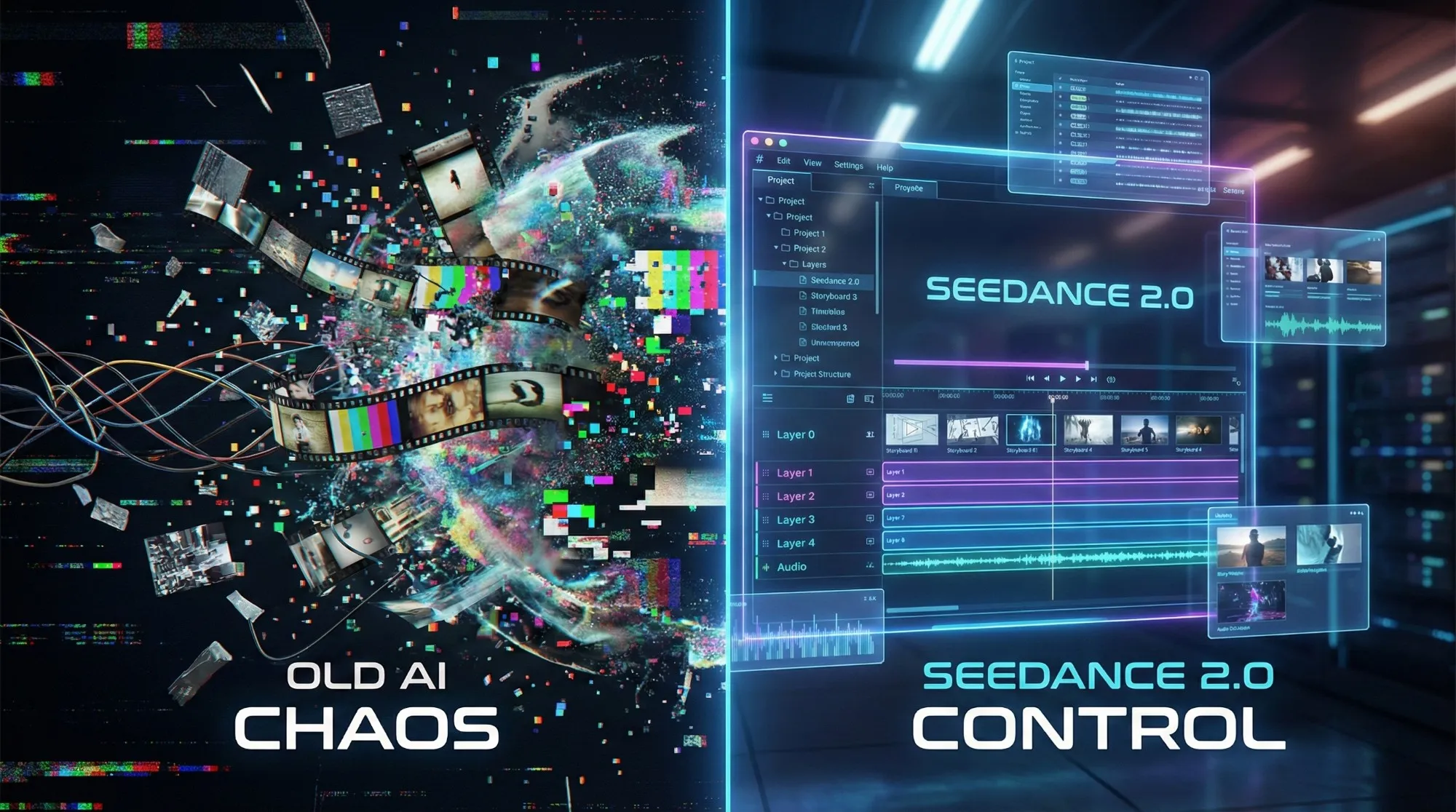
Seedance 2.1 May Be Coming Soon: Reported 20% Quality Gain, Cheaper Tier, and What Creators Should Watch
Seedance 2.1 is reportedly close to launch, with claims of a 20% quality improvement and a cheaper Seedance 2.0 tier. Here is what seems known, what is still unconfirmed, and why the update matters.
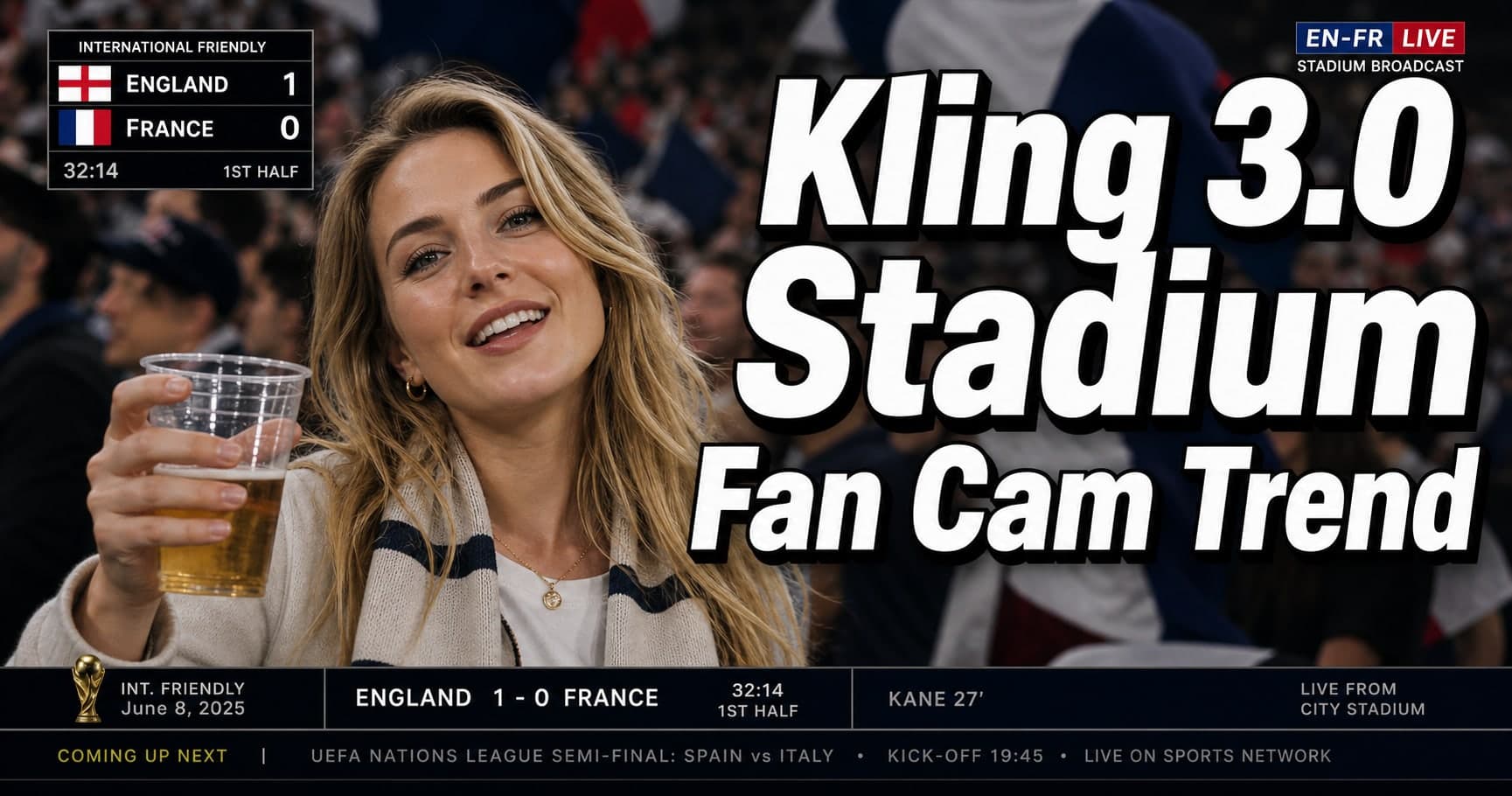
Kling 3.0 Stadium Fan Cam Trend: How to Prompt a Real Broadcast Look
A practical prompt blueprint for the Kling 3.0 stadium fan cam trend: broadcast realism cues, failure fixes, and a safe comparison plan.
Gemini Omni model: What It Is (and How to Build Safely While It’s Still Unclear)
A practical guide to the Gemini Omni model rumor cycle: what’s confirmed, what’s not, and how to ship video features safely using Veo 3.1 today.
Kling 3 4k Cost Routing
SEO-friendly description for search engines
Kling 3 4K Multi-Shot Consistency: Lock Sheets, Shot Rules, and a Ship-Pass Workflow
SEO-friendly description for search engines