
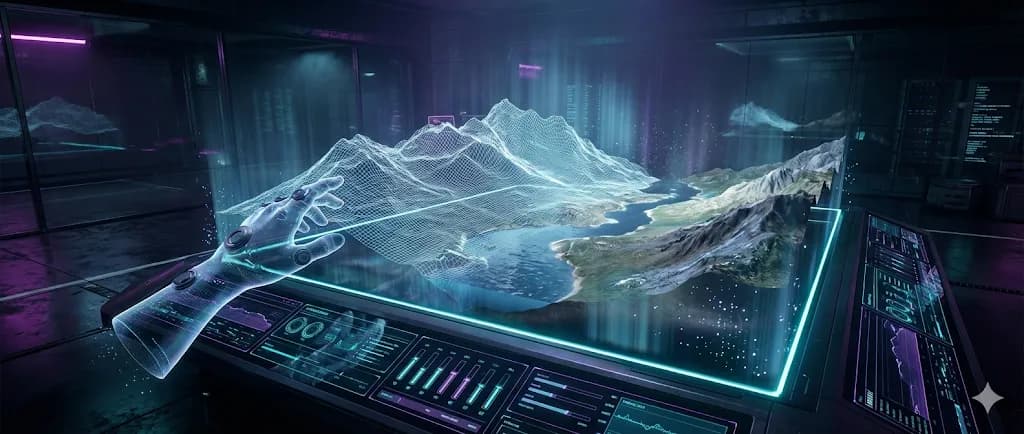
PixVerse R1 Review: The First Real-Time Interactive AI World Model?
The landscape of AI video generation has just experienced a seismic shift. While we've grown accustomed to waiting minutes or even hours for AI-generated video clips, PixVerse R1 emerges as a game-changing real-time AI video generator that promises to transform how we think about content creation. This isn't just another incremental improvement in resolution or coherence—this represents a fundamental leap from "generating videos" to "simulating worlds."
In this comprehensive PixVerse R1 review, we'll explore how this groundbreaking technology is redefining what's possible in AI video generation, examine its revolutionary interactive mode, and compare it head-to-head with industry leaders like Runway Gen-3. Whether you're a content creator, game developer, or simply curious about the future of AI-generated media, this deep dive will provide everything you need to understand why PixVerse R1 might just be the best AI world model 2026 has to offer.
What Makes PixVerse R1 Different? (The Real-Time Revolution)
Traditional AI video generators operate on a simple principle: you provide a text prompt, wait anywhere from 30 seconds to several minutes, and receive a pre-rendered video clip. This batch processing approach has been the industry standard since the emergence of AI video technology.
PixVerse R1 shatters this paradigm entirely by introducing genuine real-time generation capabilities. The technical breakthrough behind this real-time AI video generator lies in its innovative architecture. Unlike conventional systems that process entire sequences in discrete chunks, PixVerse R1 employs a sophisticated streaming approach that generates video frames on-demand.
This means the system can produce 1080p resolution video at interactive frame rates, effectively eliminating the traditional waiting period that has plagued AI video generation. What makes this particularly revolutionary is the system's ability to maintain temporal coherence while generating content in real-time.
Traditional video generators often struggle with consistency across longer sequences, but PixVerse R1's world model approach maintains stable physics, lighting, and object persistence throughout the generation process. This isn't just faster video creation—it's a fundamental reimagining of how AI understands and simulates visual environments. The implications extend far beyond mere convenience. For content creators, this means the ability to iterate and experiment in real-time, adjusting parameters and seeing results immediately.
Deep Dive into Interactive Features
The PixVerse R1 interactive mode represents perhaps the most compelling aspect of this new technology. Unlike passive video generation tools, this system allows users to actively manipulate and control the generated environment in real-time.

Through an intuitive interface, creators can adjust camera angles, modify lighting conditions, introduce new objects, or alter environmental parameters while the video continues to generate seamlessly. This interactive capability transforms the creative process from a linear, one-way interaction into a dynamic conversation between creator and AI.
Users can start with a basic scene description and then refine it on the fly, watching as the system adapts and responds to their inputs in real-time. The PixVerse R1 interactive mode supports multi-modal inputs, allowing creators to combine text prompts with sketch inputs, reference images, or even voice commands to guide the generation process.
The Power of Infinite Streaming
Perhaps even more impressive is the platform's infinite video generation AI capability. Traditional video generators are limited by predetermined sequence lengths, typically capping out at a few seconds to a few minutes of content. PixVerse R1 breaks these boundaries by implementing a continuous generation system that can theoretically produce unlimited video content.
The system maintains a coherent world model that persists across extended generation sessions, ensuring consistency in lighting, physics, and object behavior regardless of video length. This infinite video generation AI functionality has profound implications:
- Content creators can produce extended narrative sequences without worrying about generation limits.
- Game developers can create procedurally generated worlds that evolve continuously.
- Educational content producers can develop immersive, long-form experiences that maintain visual consistency throughout.
PixVerse R1 vs Runway Gen-3 vs Kling
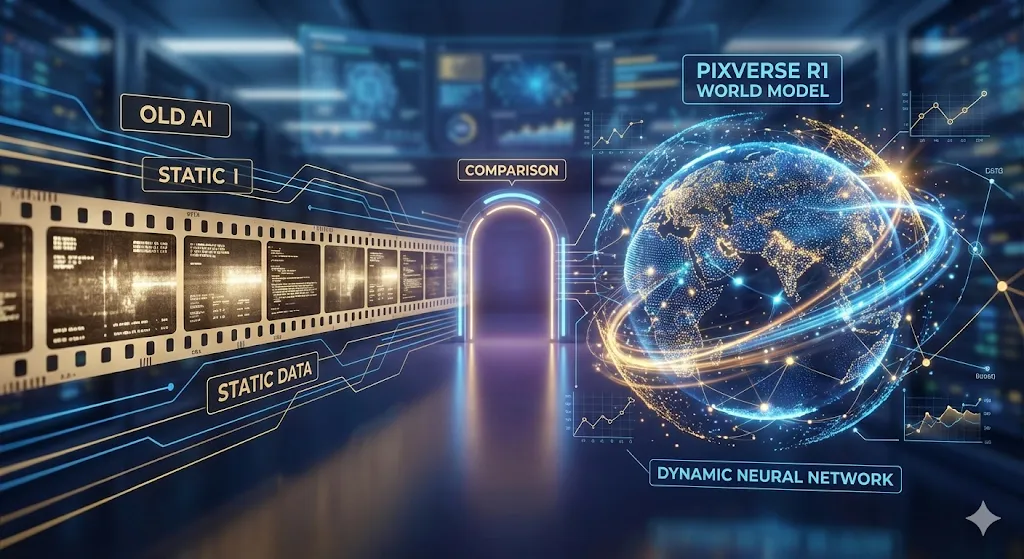
To truly understand PixVerse R1's position in the current market, we need to compare it directly with established players like Runway Gen-3 and other leading platforms. This PixVerse R1 vs Runway Gen-3 comparison reveals significant differences in approach, capabilities, and target applications.
| Feature | PixVerse R1 | Runway Gen-3 | Kling 2.6 |
|---|---|---|---|
| Resolution | 1080p Real-Time | Up to 4K | 1080p |
| Generation Speed | Instant (Streaming) | 30-180 seconds | 60-120 seconds |
| Max Duration | Infinite | 2-16 seconds | 2-10 seconds |
| Interactive Control | Full Real-Time | Limited Params | Pre-Generation Only |
| Coherence Logic | World Model | Frame-to-Frame | Diffusion |
| Est. Cost / Min | $15-25 | $8-12 | $5-8 |
| Architecture | Transformer World Model | Diffusion | Diffusion |
The PixVerse R1 vs Runway Gen-3 comparison reveals fundamentally different philosophies. While Runway Gen-3 focuses on achieving the highest possible visual fidelity for short clips (often used for B-roll), PixVerse R1 prioritizes real-time interactivity and flow. This trade-off becomes apparent in resolution differences—while Runway can achieve 4K quality, it does so through intensive processing that requires significant generation time. PixVerse R1 maintains 1080p quality while delivering content instantaneously.
The pricing structure also reflects these different approaches. PixVerse R1 pricing cost runs higher per minute of generated content, reflecting the substantial computational resources (GPU hours) required for real-time simulation.
Step-by-Step Guide: How to Use PixVerse R1
Understanding how to use PixVerse R1 effectively requires familiarizing yourself with its unique "Game Engine" style interface. Unlike traditional video generators that operate through simple text-to-video conversion, PixVerse R1 offers a multi-layered creative environment.
Step 1: Access and Setup
Currently, PixVerse R1 waitlist access is limited to beta testers. Once approved, you select a "Base Theme" (e.g., Realistic, Anime, or Cyberpunk). The initial setup involves selecting preferred generation parameters, including default resolution settings (we recommend starting at 720p for smoother latency) and frame rate preferences.
Step 2: Basic Scene Creation & Prompts
The creative process begins with establishing a base scene. Unlike traditional generators, PixVerse R1 examples and prompts work best when they describe a state of being rather than a single shot.
Example Prompt Strategy:
Don't just say: "A cat running." Do say: "Third-person camera following a neon cat running through a cyberpunk alleyway, heavy rain, reflective puddles, volumetric fog, dynamic neon signs in background."
Step 3: Activating Interactive Mode
Once the base scene is running, the PixVerse R1 interactive mode allows you to inject changes. You can type commands like "Explosion on the left" or "Change weather to sunny" and watch the world morph instantly. This interactive approach allows for rapid iteration and experimentation, enabling creators to discover optimal settings through direct manipulation rather than trial-and-error.
Step 4: Advanced Controls
For users seeking more precise control, you can use the "Director's Panel" to lock specific physics properties.
- Environmental context: "A misty forest at dawn with dynamic lighting"
- Object behaviors: "Trees swaying gently in the breeze"
- Camera movement: "Slow pan across the scene"
Pricing & Cost Reality
The PixVerse R1 pricing cost structure reflects the substantial computational requirements of real-time world model generation. Unlike traditional video generators that can optimize processing through batch operations, real-time streaming requires continuous computational allocation, resulting in higher per-minute costs.
Current pricing estimates suggest costs range from $15-25 per minute of generated content (roughly 120-130 credits per 5-second 1080p burst). This positions PixVerse R1 at the premium end of the market.
However, for commercial applications, this cost is justifiable.
- Zero Waiting: The elimination of waiting times means creators can iterate 10x faster.
- Asset Reusability: The infinite generation capability removes the need to purchase multiple short clips to stitch together.
Conclusion
The emergence of PixVerse R1 represents a watershed moment in AI video generation technology. By transitioning from traditional frame-based generation to sophisticated world model simulation, this platform has fundamentally redefined what's possible in AI-generated media.
The combination of real-time generation, interactive control, and infinite streaming capabilities positions PixVerse R1 as a strong contender for the title of best AI world model 2026. While the PixVerse R1 pricing cost may seem prohibitive for casual users, the ability to "play" with video creation like a video game is a feature that will define the next generation of AI tools.
For those fortunate enough to secure PixVerse R1 waitlist access, the platform offers an early glimpse into the future. It's not just a tool; it's a window into a simulated reality.
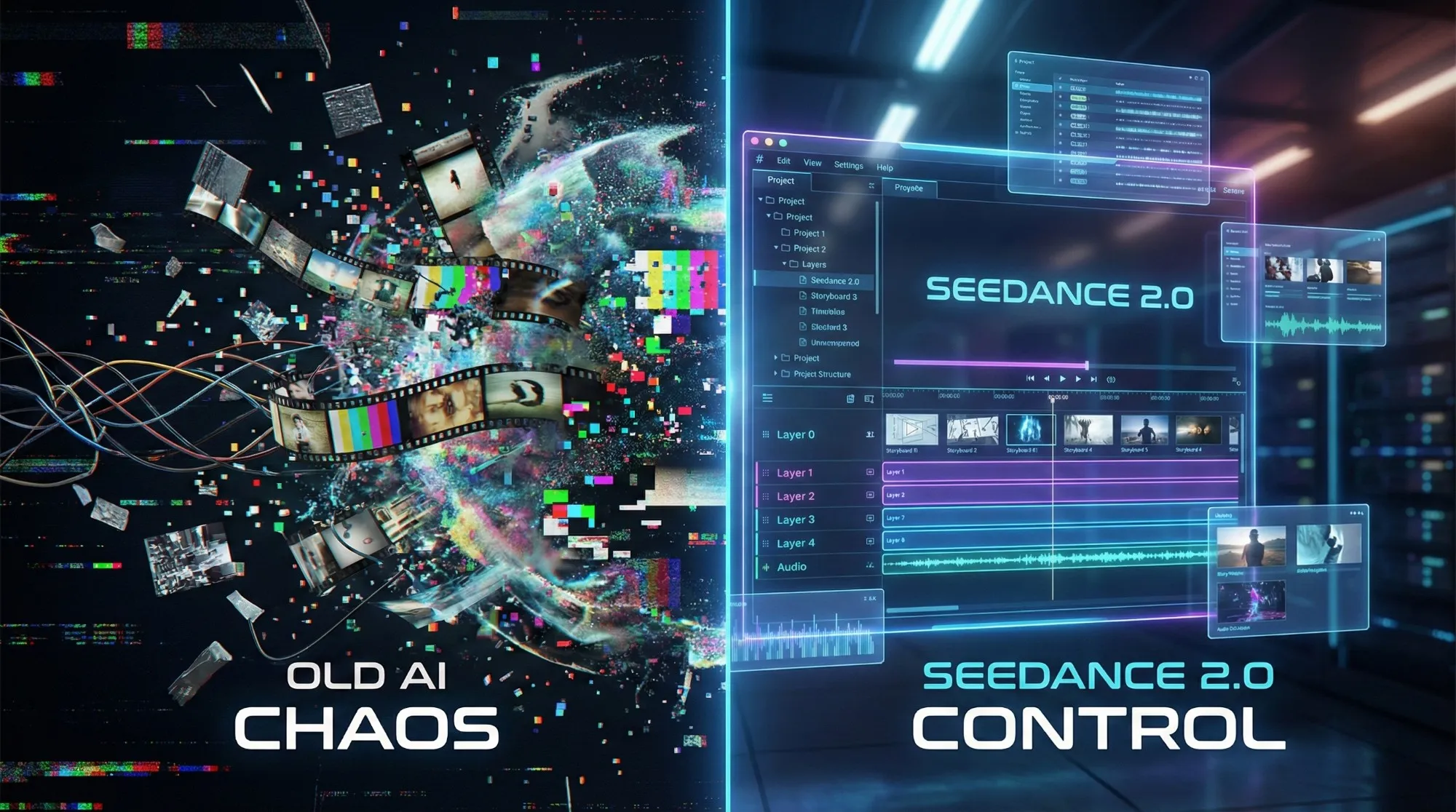
Seedance 2 Review: Is Jimeng 2.0 the End of "Gacha" AI Video?
Seedance 2 (Jimeng) is here with 4K resolution and revolutionary storyboard control. We test if Seedance2 finally solves the consistency problem for AI filmmakers.

GLM-Image Review: The New King of Text Rendering?
We tested Zhipu AI's GLM-Image. It runs on Huawei chips, costs pennies, and might just be the best AI for generating text-heavy posters. Here is our deep dive.

Kling 2.6 Deep Dive: Native Audio, Video Length & API Pricing Explained
Explore the new Kling 2.6 features including native audio and extended video length. We break down the pro model costs, API pricing, and how to start.
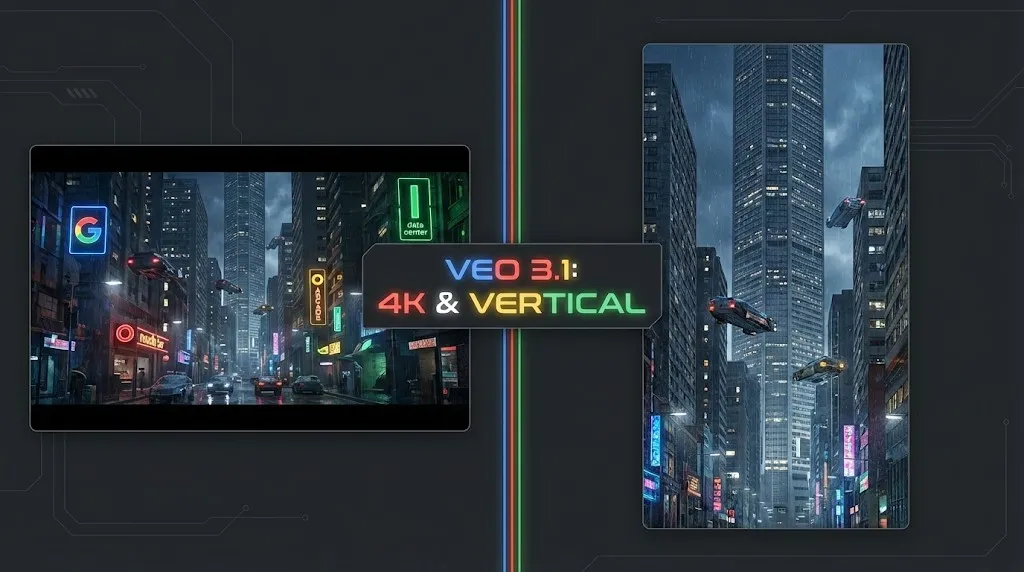
Veo 4 vs Seedance 2.1: Why the Next AI Video War May Be About Cost, Not Cinematic Quality
Seedance 2.1 is reportedly close, Veo 4 is widely expected around Google I/O, and Gemini Omni Flash has appeared inside Flow. The real question is no longer who looks most cinematic, but who lowers the cost of stable, usable output.
Seedance 2.1 May Be Coming Soon: Reported 20% Quality Gain, Cheaper Tier, and What Creators Should Watch
Seedance 2.1 is reportedly close to launch, with claims of a 20% quality improvement and a cheaper Seedance 2.0 tier. Here is what seems known, what is still unconfirmed, and why the update matters.
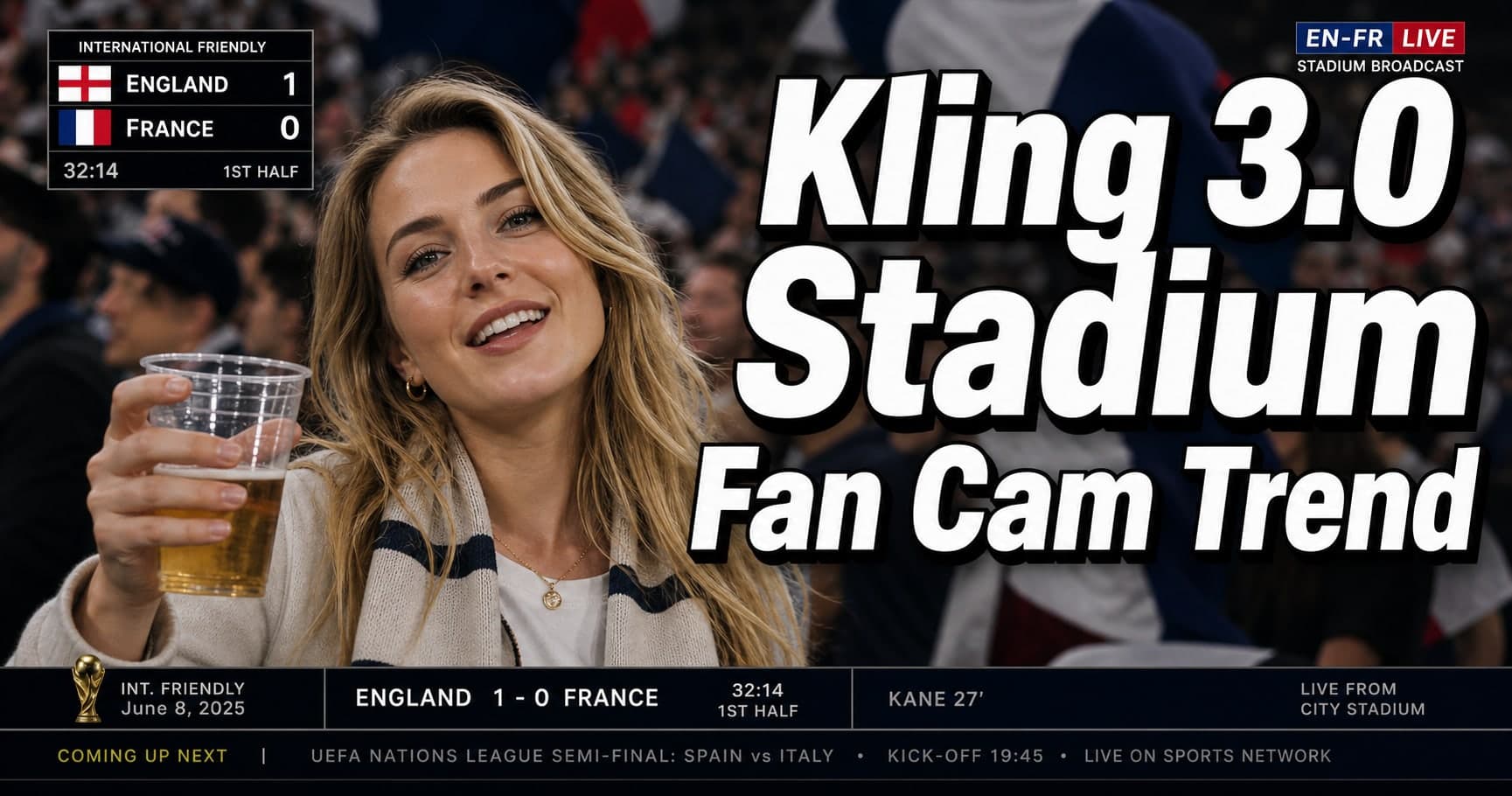
Kling 3.0 Stadium Fan Cam Trend: How to Prompt a Real Broadcast Look
A practical prompt blueprint for the Kling 3.0 stadium fan cam trend: broadcast realism cues, failure fixes, and a safe comparison plan.

Gemini Omni model: What It Is (and How to Build Safely While It’s Still Unclear)
A practical guide to the Gemini Omni model rumor cycle: what’s confirmed, what’s not, and how to ship video features safely using Veo 3.1 today.
Kling 3 4k Cost Routing
SEO-friendly description for search engines