
Kling 3.0 Stadium Fan Cam: Prompt-Guide f眉r echten Broadcast-Look
Kling 3.0 Stadium Fan Cam: Prompt-Guide f眉r echten Broadcast-Look
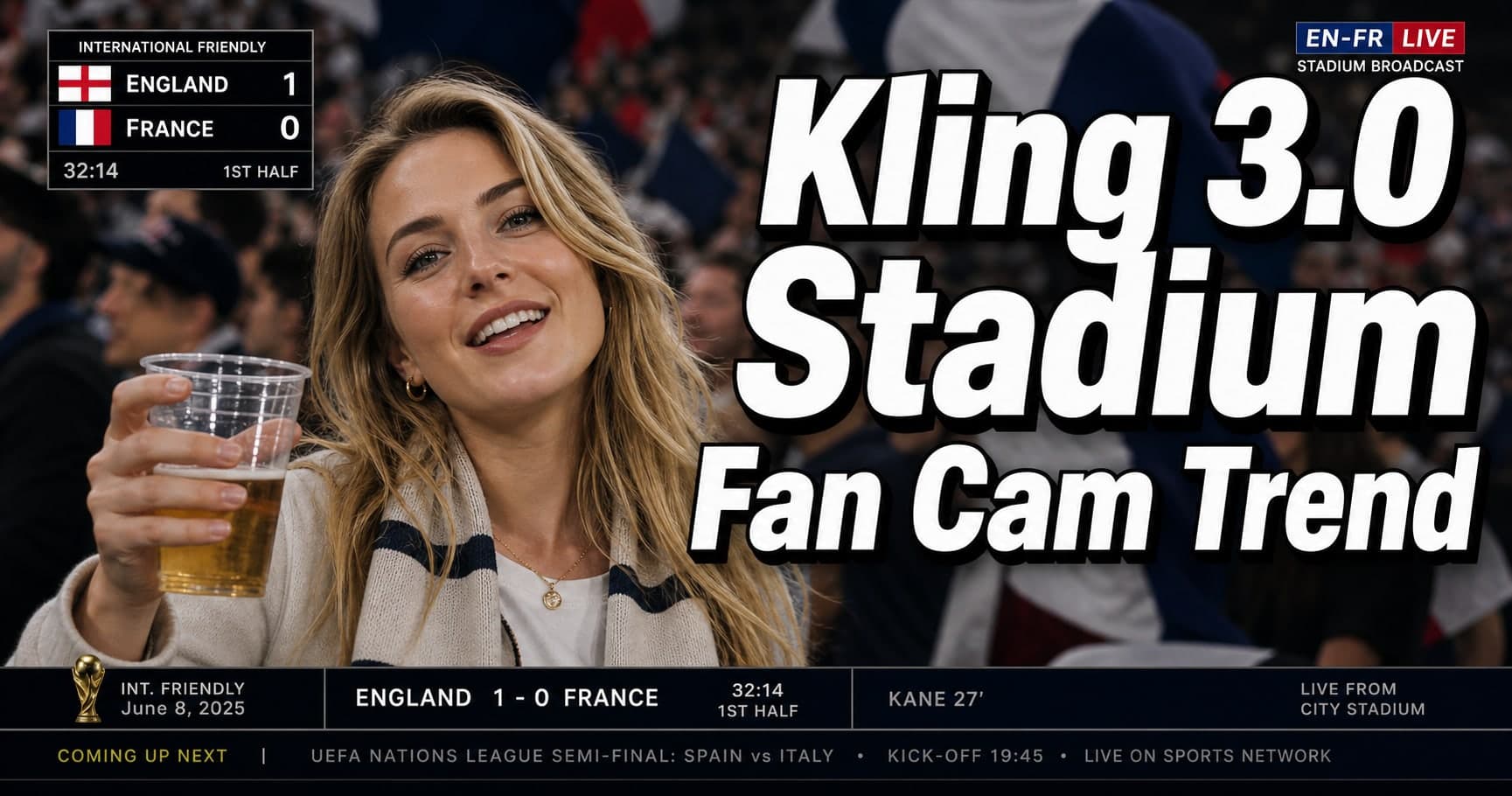
Wenn du den Kling 3.0 stadium fan cam Trend gesehen hast (oft als 鈥濳BO fan cam鈥?oder 鈥瀞tadium broadcast鈥?beschrieben), verstehst du sofort, warum er viral geht: Er wirkt wie ein echter TV鈥慍utaway aus dem Stadion 鈥?Telephoto compression, shallow depth of field, kleine Verwackler, Kompressionsartefakte und ein unperfektes Framing.
Dieser Beitrag ist bewusst praktisch. Du bekommst:
- ein kopierbares Prompt鈥慡kelett f眉r stadium fan cam / fan cam AI video,
- eine Checkliste f眉r broadcast realism (warum es 鈥瀝eal鈥?wirkt),
- schnelle Fixes f眉r typische Fehler,
- und einen Vergleichs鈥慉bschnitt als Placeholder: Kling 3.0 vs Seedance 2.0 vs Happyhorse 1.0 (wird erg盲nzt, sobald Clips vorliegen).
Was der 鈥瀞tadium fan cam鈥?Trend eigentlich ist
Im Broadcast鈥慗argon ist das ein 鈥瀋rowd cutaway鈥? Die Kamera verl盲sst das Spielfeld, zoomt in die Trib眉ne und bleibt 1鈥? Sekunden auf einer Person oder einer kleinen Gruppe.
Die AI鈥慥ersion kopiert genau diese Signale. Das Ergebnis wirkt glaubw眉rdig, weil es nicht cineastisch sein will. Es soll wie komprimiertes, unperfektes Live鈥慚aterial aussehen.
Warum es so echt wirkt: die broadcast realism Checkliste
Wenn ein Kling 3.0 fan cam Clip 鈥瀦u gut鈥?aussieht, wirkt er schnell k眉nstlich. Diese Checkliste zwingt die richtigen Unperfektionen:
- Telephoto compression: Motiv wirkt 鈥瀎lach鈥? der Hintergrund r眉ckt optisch n盲her.
- Shallow DoF: Das Publikum dahinter ist weich und gestaffelt, nicht gestochen scharf.
- Micro鈥憇hake + Drift: winzige Handheld鈥態ewegung, keine perfekte Stabilisierung.
- Motion blur passend zur Kamera: Unsch盲rfe auf schnellen Bewegungen, nicht 眉berall.
- Noise + compression artifacts: Broadcast ist nie komplett sauber.
- Imperfect framing: leicht off鈥慶enter, angeschnittene Schultern, Occlusions.
- Minimal acting: kein 鈥濸erformen鈥?鈥?nur blinzeln, leichtes L盲cheln, kurzer Blick.
- Subtle overlays (optional): Scoreboard鈥慓rafik nur dezent, nicht UI鈥憀astig.
Wenn du nur zwei Dinge setzt: Telephoto compression + minimal acting. Das kippt dein sports broadcast AI video vom 鈥濧I鈥慒ilmlook鈥?zu 鈥濼V鈥慍utaway鈥?
Prompt blueprint (copyable skeleton)
Behandle Prompts wie eine Checkliste, nicht wie Poesie. Hier ist ein solides Basis鈥慞rompt f眉r Kling 3.0 stadium fan cam:
PROMPT (base):
Live sports broadcast fan cam cutaway in a stadium crowd, telephoto lens compression, shallow depth of field, handheld micro鈥憇hake, realistic broadcast motion blur, natural skin texture, subtle sensor noise and compression, imperfect framing, authentic stadium floodlights, background crowd layered and slightly out of focus.
Subject: a normal spectator reacting naturally (blink, small smile, glance), minimal movement, no exaggerated acting.
Style: real TV broadcast, not cinematic, not glossy, not studio lighting.
Negative prompt (what to forbid)
NEGATIVE: cinematic film look, dramatic color grading, perfect stabilization, hyper鈥憇harp crowd faces, beauty skin smoothing, exaggerated facial motion, anime, CGI, surreal lighting, text overlays covering the frame.
鈥濳BO 鈫?football/soccer鈥?Anpassung
Du kannst die KBO鈥慥ibes behalten und nur die Oberfl盲che tauschen:
- 鈥瀞occer stadium鈥?/ 鈥瀎ootball stadium鈥?- 鈥瀟eam scarf鈥?/ 鈥瀋lub jersey鈥?- 鈥瀋hanting crowd鈥?(aber dezent)
Over鈥憇pecifying erzeugt Artefakte. Weniger ist mehr.
Reference image rules (das entscheidet 眉ber den Look)
Viele Fan鈥慍am Clips sind praktisch image鈥憈o鈥憊ideo mit minimalem Motion鈥慡cript. Dein Referenzbild macht den Gro脽teil der Arbeit.
F眉r einen glaubw眉rdigen stadium fan cam Look:
- Nimm ein normales Foto, keine Studio鈥慞ortraits.
- Bevorzuge einen Dreiviertel鈥慦inkel statt perfekter Frontalansicht.
- Halte H盲nde/Accessoires simpel 鈥?komplexe Posen eskalieren Artefakte.
- Vermeide Beauty鈥慒ilter: 鈥瀏latte Haut鈥?ist ein starker AI鈥慣ell.
Workflow鈥慣ipp: speichere 3 Referenzbilder pro Identit盲t (neutral, leichtes L盲cheln, leichte 脺berraschung). Dann muss die fan cam AI video鈥慓eneration weniger 鈥瀍rfinden鈥?
Camera behavior Cheatsheet (TV statt Film)
Der Name 鈥濳BO fan cam trend鈥?lenkt ab 鈥?entscheidend ist Kamera鈥慡prache. Wenn es zu cineastisch wirkt, f眉ge 2鈥? dieser Module hinzu:
- telephoto lens compression
- broadcast handheld micro鈥憇hake
- imperfect autofocus breathing
- slight zoom wobble (operator correction)
- compression artifacts, mild sensor noise
Du musst kein Objektivmodell nennen. Du musst beschreiben, wie Broadcast鈥慒ootage scheitert.
Prompt variations (pick one; don鈥檛 stack them all)
W盲hle pro Run nur eine Variation, sonst widersprechen sich Signale.
Variation A: 鈥濴ive cutaway, 2 seconds鈥?
Add:
- 鈥?鈥憇econd live broadcast cutaway, minimal motion鈥?- 鈥瀞ingle small glance to the side, one blink鈥?
Variation B: 鈥濩rowd occlusions鈥?
Add:
- 鈥瀎oreground occlusions (someone鈥檚 shoulder briefly crosses the frame)鈥?- 鈥瀙artial obstruction, imperfect framing鈥?
Variation C: 鈥濻coreboard overlay (subtle)鈥?
Add:
- 鈥瀎aint scoreboard graphic in the corner, semi鈥憈ransparent鈥?- 鈥瀊roadcast lower鈥憈hird style, minimal text鈥? Wenn das Overlay fake wirkt: weglassen.
Workflow: so iterierst du ohne Chaos
Der Trend belohnt kleine, kontrollierte Iterationen. Arbeite wie beim Debugging:
- Base鈥慞rompt + eine Variation.
- Wirkt es cineastisch? Zwei 鈥濼V鈥慤nperfektionen鈥?erg盲nzen (Noise + imperfect framing).
- Driftet die Identit盲t? Weniger Motion, st盲rkeres Referenzbild.
- Overlays erst am Ende testen.
Ein Mini鈥慍hange鈥慙og (鈥瀢as ge盲ndert, was besser鈥? spart Zeit.
Fan cam checklist (vor jedem Export)
Mach daraus eine Abnahme鈥慍heckliste. F眉r jeden fan cam Run:
- Fan cam ist leicht unperfekt gerahmt (nicht wie ein Portrait).
- Fan cam hat micro鈥憇hake und kleine Korrekturen.
- Fan cam zeigt einmal leichtes Autofokus鈥戔€濧tmen鈥?
- Fan cam Licht f眉hlt sich wie Stadionfluter an, nicht Studio鈥慡oftbox.
- Fan cam Farbstil ist neutraler Broadcast, nicht Film鈥慓rading.
- Fan cam Hintergrund鈥慍rowd ist gestaffelt und unscharf.
- Fan cam Subjekt hat micro鈥憁otions (blink, breath, small smile).
- Fan cam AI video hat leichte Kompression/Noise.
- Sports broadcast AI video wirkt auch ohne Ton glaubw眉rdig.
Wenn es scheitert: weniger Details, mehr Kamera鈥慍ues.
Copy鈥憄aste prompt modules (mix 2鈥? only)
- Fan cam camera module: telephoto compression, micro鈥憇hake, autofocus breathing, zoom wobble.
- Fan cam texture module: mild noise, broadcast compression artifacts, natural skin texture.
- Stadium fan cam crowd module: layered crowd, soft bokeh, partial occlusions.
- Sports broadcast AI video module: real TV cutaway, not cinematic, neutral broadcast color.
- Fan cam acting module: minimal movement, micro鈥慹xpressions only, one blink.
Common failure modes (and quick fixes)
1) It looks cinematic, not broadcast
Fix:
- 鈥瀝eal TV broadcast, not cinematic鈥?explizit
- compression artifacts + imperfect framing hinzuf眉gen
- cineastische Lighting鈥慦枚rter entfernen
2) The subject overacts (too much motion)
Fix:
- minimal movement, micro鈥慹xpressions only
- posing/dancing/dramatic reactions verbieten
- Cutaway auf 1鈥? Sekunden denken
3) Identity drift (face/hair changes)
Fix:
- st盲rkeres Referenzbild
- weniger Motion鈥慘omplexit盲t (keine gro脽en Kopfbewegungen)
- einfaches Licht (stadium floodlights)
4) The crowd looks weirdly sharp
Fix:
- background layered and out of focus
- shallow depth of field wiederholen
- Crowd鈥慏etails reduzieren
5) The lighting feels like a studio
Fix:
- stadium floodlights, harsh overhead light
- 鈥瀞oft key light鈥?/ 鈥瀝im light鈥?vermeiden
- neutral broadcast color statt cinematic grading
A simple 鈥渂roadcast realism鈥?acceptance test
10鈥慡ekunden鈥慡anity鈥慍heck:
- W眉rde es ohne Ton als echter Cutaway durchgehen?
- Bewegt sich das Subjekt weniger als erwartet?
- Ist der Hintergrund weich und gestaffelt?
- F眉hlt sich die Kamera leicht unperfekt an?
- Gibt es mindestens eine 鈥瀗ervige Realit盲t鈥?(Occlusion, Crop, Kompression)?
Kling 3.0 vs Seedance 2.0 vs Happyhorse 1.0 (comparison placeholder)
Wir ver枚ffentlichen den Vergleich erst mit verifizierten Clips und identischen Inputs. Placeholder鈥慞lan:
| Model | What we鈥檒l test | What 鈥済ood鈥?looks like | Status |
|---|---|---|---|
| Kling 3.0 | broadcast camera feel + identity stability | telephoto compression + natural micro鈥憁otions | TBD |
| Seedance 2.0 | motion naturalness under minimal acting | fewer uncanny micro鈥慻litches | TBD |
| Happyhorse 1.0 | crowd realism + lighting correctness | believable floodlights + occlusions | TBD |
Quick recap (so you can ship a clean clip)
- Stadium fan cam f眉hlt sich wie TV鈥慍utaway an (nicht Film).
- Fan cam Subjekt: minimal acting.
- Fan cam Kamera: micro鈥憇hake + autofocus breathing.
- Fan cam AI video: leichte Kompression/Noise.
Wenn du unsicher bist: vereinfachen. Ein simpler stadium fan cam schl盲gt fast immer ein 眉berbeschriebenes fan cam AI video.
Ethics: don鈥檛 let a 鈥渇an cam鈥?become a deepfake
Wenn es wie echtes Event鈥慚aterial wirken k枚nnte:
- 鈥濧I鈥慻enerated鈥?klein labeln oder watermarken,
- keine realen Personen ohne Einwilligung imitieren,
- keine irref眉hrenden Event鈥慍laims dazu schreiben.
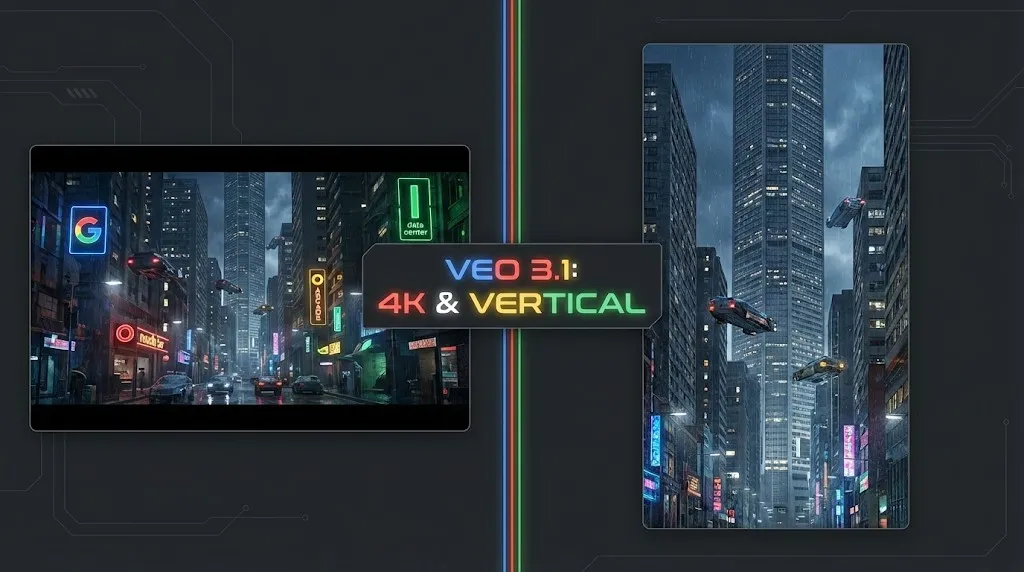
Veo 4 vs Seedance 2.1: Why the Next AI Video War May Be About Cost, Not Cinematic Quality
SEO-friendly description for search engines
Seedance 2.1 May Be Coming Soon: Reported 20% Quality Gain, Cheaper Tier, and What Creators Should Watch
SEO-friendly description for search engines
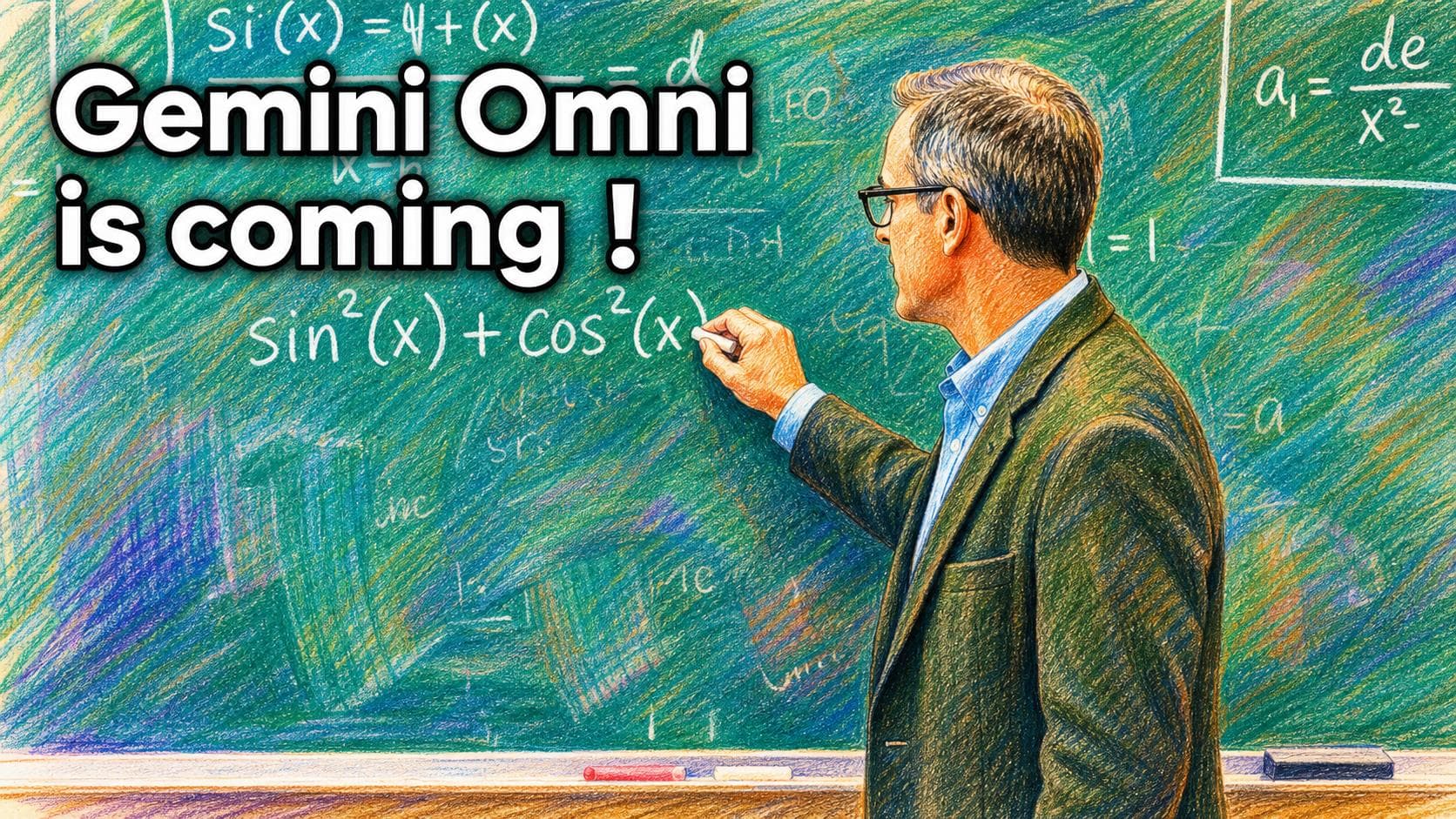
Gemini Omni model: Was es ist (und wie du sicher baust, solange es noch unklar ist)
Builder-Guide zur Gemini Omni model Geruechtewelle: was bestaetigt ist, was nicht, und wie du Video heute mit Veo 3.1 sicher shipst.
Kling 3 4K cost Routing: Ultra vs Pro vs Standard (wann sich 4K wirklich lohnt)
Praktische Regeln fuer Kling 3 4K cost: wann 1080p reicht, wann 4K/Ultra sinnvoll ist und wie du Budget im Workflow steuerst.
Kling 3 4k Multishot Consistency
SEO-friendly description for search engines
Kling 3 I2v 4k Vs T2v 4k
SEO-friendly description for search engines
Kling 3.0 vs HappyHorse 1.0: Produktionsnaher Vergleich (Qualität, Kontrolle, Audio, API)
Kling 3.0 vs HappyHorse 1.0 aus Produktionssicht: Claims, Leaderboards richtig lesen, 30‑Minuten-MVE und Entscheidungsmatrix.
GPT Image 2 360 VR Background: Lieferworkflow f��r nahtlose Equirectangular-Panoramen
Lieferbar statt nur ?breit��: gpt image 2 360 panorama, 2:1 equirectangular, Seam-Fix und Viewer-QA.