
Опыт генерации видео Kling 2.6
Генерируйте потрясающие AI-видео с помощью самого продвинутого в мире модели Kling 2.6. Вас ждет непревзойденное соответствие промптам и временная согласованность.
Output
Studio-style videos
Workflow
Prompt to result
Access
7-day check-in unlock
Available models
Карта не требуется • Мгновенный доступ
Preview
AI video output in motion
Control
Prompt, image reference, duration, resolution and audio toggles stay visible in one clean workspace.
Result
A softer product shell keeps the preview feeling premium without slipping back into heavy neon effects.
Kling 2.6 Professional Suite
Harness the full capabilities of the Kling 2.6 video engine for superior video synthesis.
Insufficient credits?
🍌Try our Image Lab (5 credits/img)Why Kling 2.6 Video AI?
Explore the capabilities that make Kling 2.6 the leader in generative AI video.
Cinematic Motion
Kling 2.6 sets a new benchmark for video motion, creating smooth camera movements and natural dynamics.

Focus
Cleaner SaaS framing
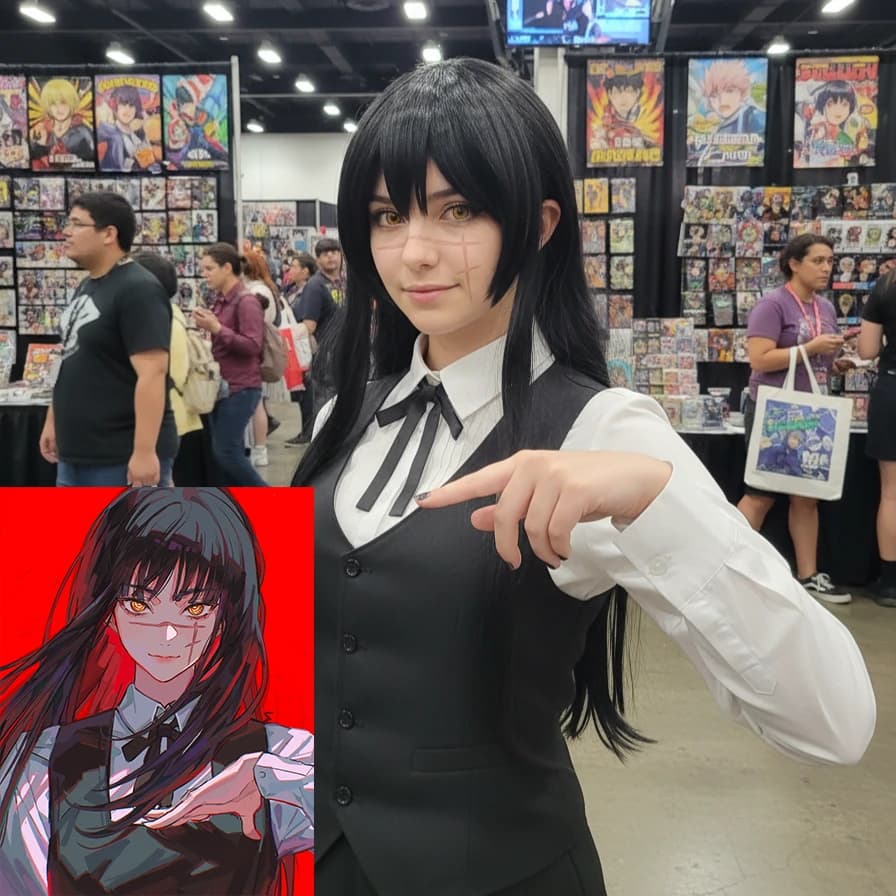
Temporal Consistency
Finally, an AI that maintains coherence. Kling handles scene transitions and object persistence perfectly.
Focus
Cleaner SaaS framing
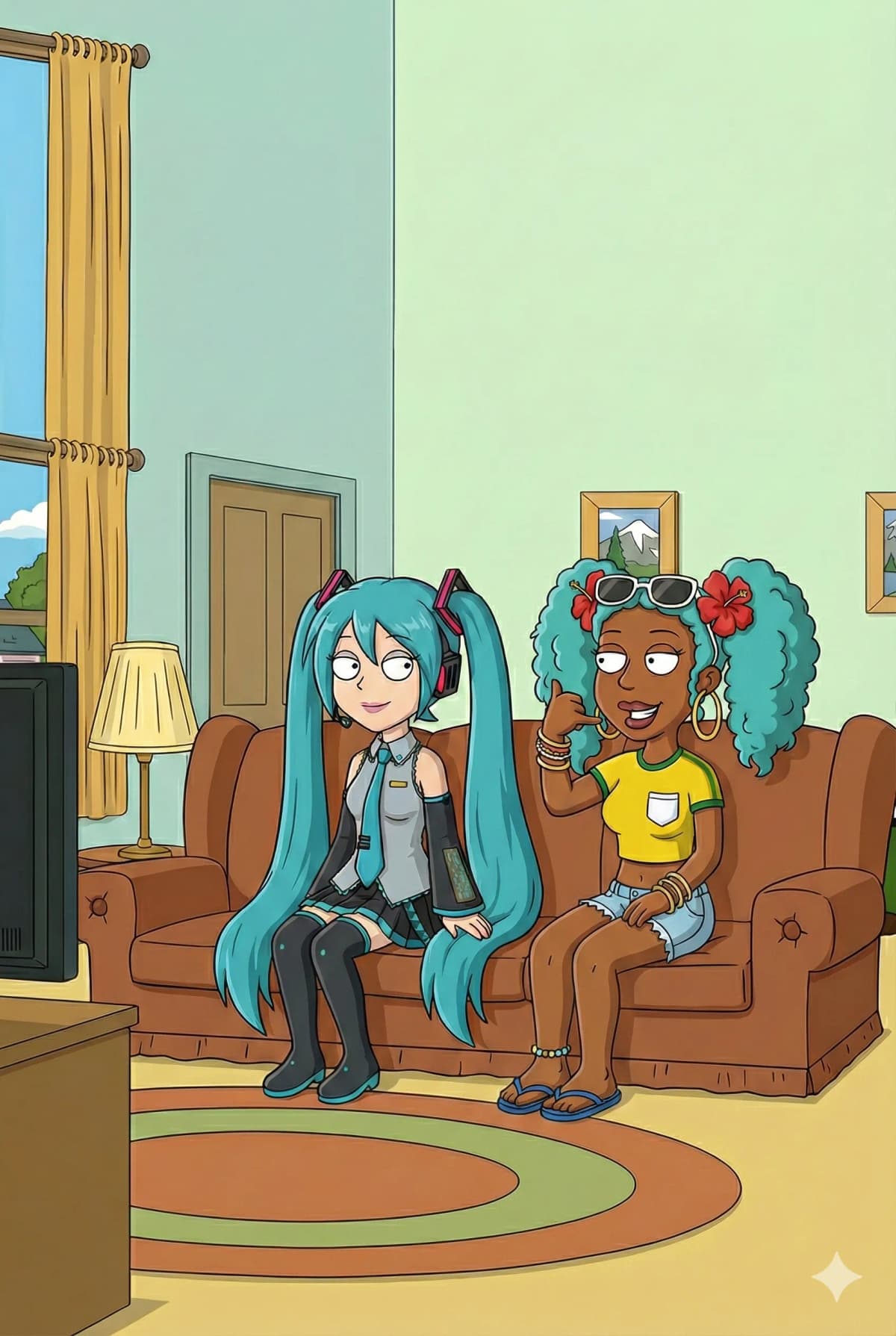
Deep Scene Understanding
The video engine understands complex scenes, ensuring every element of your prompt is animated perfectly.
Focus
Cleaner SaaS framing
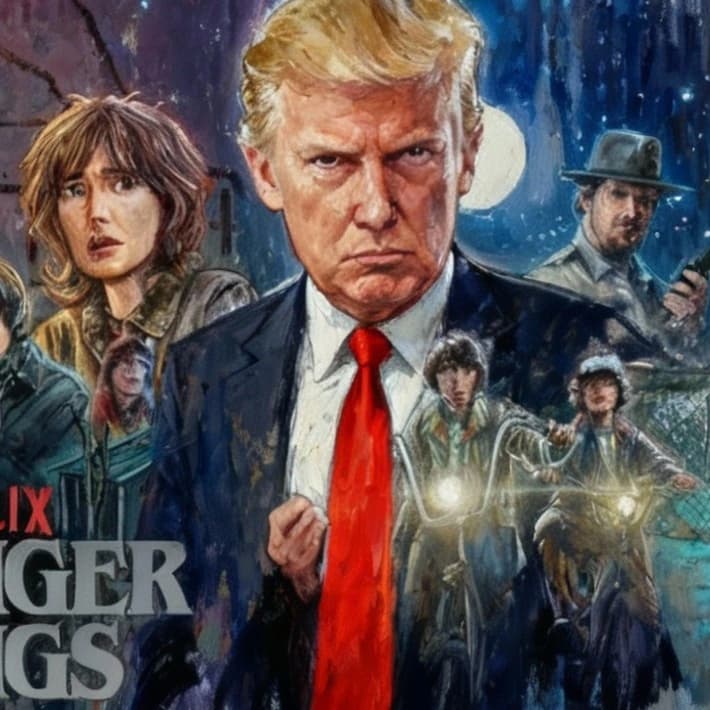
Rapid Video Generation
With Kling Fast, get high-quality video iterations in seconds without sacrificing motion quality.
Focus
Cleaner SaaS framing
Audio-Visual Examples
Experience the next generation of video generation with high-fidelity audio synchronization.
Loading video...
Cinematic Collectible Figure
Cinematic showcase of an ultra-realistic collectible figure, slow dolly in, distinct texture details.
Loading video...
Glowing Line-Art Teens
Two glowing line-art teenagers stand silently face to face in a bustling subway station, 2d animation style.
Loading video...
Surreal Translucent Figure
A surreal human figure with a semi-transparent, fluid body stands amidst vibrant flames.
Loading video...
Terminator Action Set
Create a behind-the-scenes production photo on a highway action set styled after Terminator 2, James Cameron directing.
Loading video...
Bicycle Girl & Dog
Animate a young girl riding a bicycle down a mountain path with flowing green meadows, windy atmosphere.
Loading video...
Bohemian Rhapsody Opera
Sing the first line of 'Bohemian Rhapsody' in the most operatic voice imaginable.
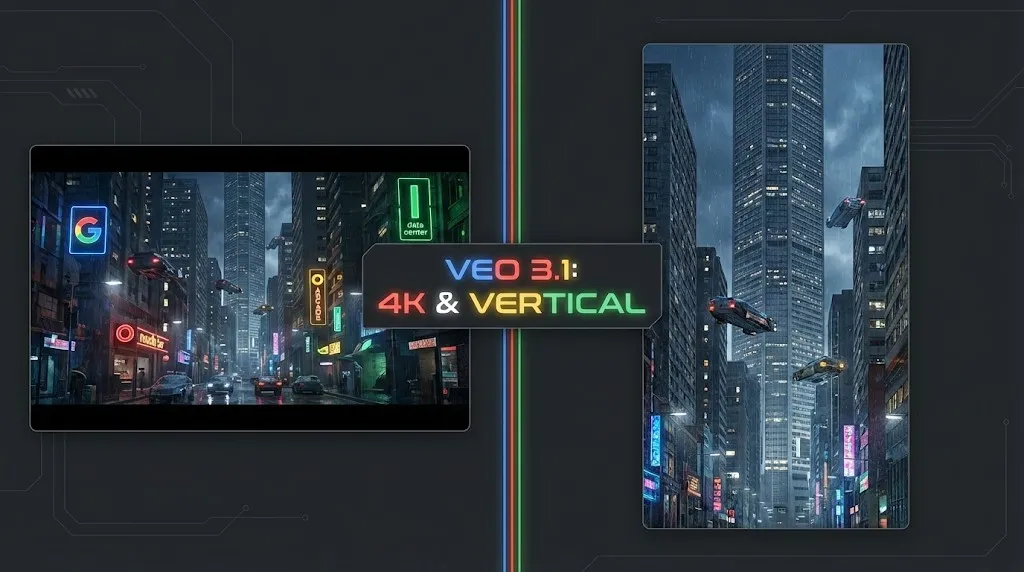
Обзор Google Veo 3.1: Революция 4K, вертикального видео и консистентности
Google Veo 3.1 предлагает нативный апскейлинг до 4K, вертикальное видео 9:16 и консистентность идентификации. Плюс обзор утекшего кода модели Veo 3.2.
Осваиваем Kling Motion Control: Полное руководство по цифровому кукловодству с ИИ (2026)
Глубокое погружение в Kling Motion Control. Узнайте, как использовать режимы Character Orientation, исправлять ошибки и освоить рабочий процесс для создания кинематографичных ИИ-видео.
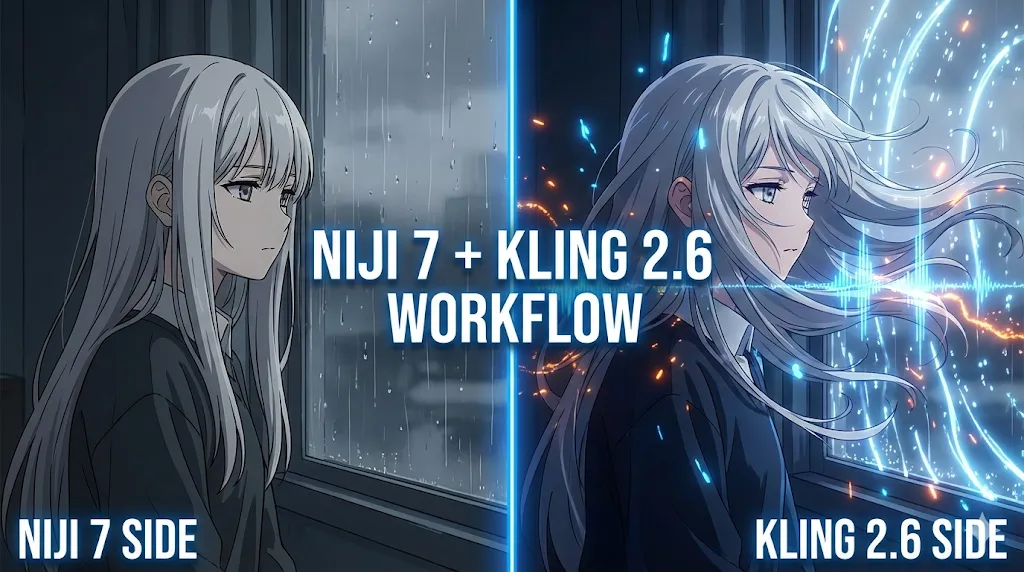
Гайд 2026: Как создавать вирусные аниме с помощью Kling 2.6 и Niji 7
Освойте ультимативный рабочий процесс по созданию AI-аниме, сочетающий визуальные возможности Niji 7 с нативным аудио и контролем движения Kling 2.6. Пошаговое руководство по созданию вирусных манга-драм.

Обзор GLM-Image: Новый король рендеринга текста?
Мы протестировали GLM-Image от Zhipu AI. Она работает на чипах Huawei, стоит копейки и, возможно, является лучшей ИИ для создания постеров с большим количеством текста. Предлагаем вашему вниманию наш подробный обзор.
Обзор PixVerse R1: первый интерактивный Real-Time World Model?
Практический обзор PixVerse R1. Мы тестируем генерацию 1080p в реальном времени, возможности бесконечного стриминга и сравниваем его с Runway Gen-3.

Глубокий обзор Kling 2.6: Native Audio, длительность видео и цены на API
Изучите новые функции Kling 2.6, включая Native Audio и увеличенную длительность видео. Мы разбираем стоимость модели Pro, цены на API и то, как начать работу.
Полное руководство по Kling 2.6: Освойте Motion Control, Lip Sync и загрузку моделей
Подробное руководство по функциям Motion Control и Lip Sync в Kling 2.6. Узнайте, как скачивать модели, запускать локально и сравнивать с Higgsfield.

Kling 2.6 vs Wan 2.6: Полное руководство по AI-видео и рабочим процессам (2025)
Сравнение Kling 2.6 и Wan 2.6 для генерации AI-видео. Мы тестируем согласованность персонажей, рабочие процессы R2V и решаем распространённые проблемы с искажением звука.
Kling Video Workflow
Create professional videos with Kling 2.6 in three steps
Input Scene
Describe your scene with motion details. The Kling video engine thrives on detailed natural language.
Select Kling Mode
Choose 'Fast' for quick previews or 'Pro' for cinematic quality and smooth motion.
Generate & Refine
Receive your video instantly. Use built-in tools to adjust timing or vary the motion.
Why Kling 2.6 Video AI?
Join the revolution in AI video generation technology.
Kling 2.6 offers superior motion understanding and video quality compared to legacy models, giving you total creative control.
Motion Technology
Better understanding of temporal relations and motion
Kling 2.6 Quality
Industry-leading video realism and cinematic quality
Blazing Speed
Optimized inference on top-tier GPUs
Commercial Ready
Clear licensing for professional video production
Kling Community Voices
Hear from creators and studios switching to Kling 2.6 Video AI.
Alex Rivera
Film DirectorThe motion quality on Kling 2.6 is insane. I used to spend hours in post-production; now Kling gets smooth camera movements right the first time.
Maria Chen
Video EditorFinally, I can generate B-roll with perfect temporal consistency! Kling 2.6 is the only tool that handles scene transitions this well.
David Smith
Content CreatorKling Fast is blazing fast. I generate video backgrounds for my content in seconds, and the motion quality beats everything else.
Elena Costa
Marketing LeadWe switched our entire video campaign generation to this Kling platform. The cinematic lighting and smooth motion are unmatched.
James Wilson
ArchitectFor architectural walkthroughs, Kling understands spatial movement better than any other AI I've tried.
Sophie Turner
Fashion VideographerThe fabric movement Kling 2.6 generates is incredible. It's an essential tool for my fashion video production.
Michael Brown
Game DeveloperCreating game cinematics has never been easier. The consistency I get with Kling seeds is perfect for my workflow.
Lisa Wang
Brand ManagerBeing able to generate branded video content with perfect motion timing using Kling's capabilities is a huge time saver.
Khatab Wedaa
CinematographerAs a cinematographer, I'm impressed by the camera movements and lighting simulation in Kling 2.6 Pro. It feels like real footage.
Rodrigo Aguilar
Creative DirectorI love this Kling generator ❤️. The video engine really understands the 'motion' I'm asking for without complex keyframes.
Eric Ampire
Creative DirectorKling 2.6 is the tool we've been waiting for. Professional video quality, smooth motion, just pure cinematic creativity.
Roland Tubonge
Motion DesignerThe motion graphics capabilities are beautiful. Kling handles animation curves and timing with such precision.
Starter Pack
160 credits • No hidden fees
Kling 2.6 FAQ
Common questions about the Kling Video AI engine.