
Kling 3 Motion Control vs. Original: The Ultimate Upgrade for AI Character Animation
If you have spent any time trying to create AI video animations over the past year, you already know the struggle. You generate a stunning character, you apply a dance sequence, and for the first two seconds, it looks like pure magic. But then... your character turns their head. Suddenly, their face morphs into a completely different person. They raise a hand to their chin, and their fingers melt into their cheek.
These AI video artifacts have been the bane of every creator's existence. The original Kling Motion Control and the widely loved Kling 2.6 blew our minds when they first dropped, giving us unprecedented control over movement. But let's be honest with candor: they had their limits.
Enter the March 2026 release of Kling 3.0 Motion Control.
This isn't just a minor patch or a subtle tweak. The leap from the original framework to the new Kling3 Motion Control is a monumental shift in how AI handles temporal consistency, face occlusions, and complex character posing. In this deep dive, we are going to break down exactly why you need to upgrade to Kling 3, how it finally guarantees consistent AI faces, and how the underlying KlingO3 video AI model is changing the game for content creators.
The Dark Ages of Character Animation: Why We Needed an Upgrade
Before we celebrate the new, we have to acknowledge the pain of the old. The original Kling Motion Control introduced us to the concept of mapping a video's movement onto a static reference image. It was revolutionary for AI dance generators and pose mimicking. However, creators quickly hit a brick wall when trying to produce professional, commercial-grade content.
The primary issues with the original versions (including the stable Kling2.6 and most competitor models) included:
-
Identity Loss on Rotation: The moment a character turned past a 45-degree angle, the AI would "forget" the reference face and hallucinate a new one.
-
The Occlusion Nightmare: If a character's hand crossed in front of their face, or if a prop obscured their body, the pixels would scramble. Recovering the face after a face occlusion was nearly impossible.
-
Jitter and Micro-Morphing: Backgrounds warped, clothes changed textures mid-frame, and the overall temporal consistency was incredibly fragile.
If you were running a TikTok channel or a YouTube Shorts account, you had to throw away 80% of your generations. We desperately needed a tool that could actually fix AI video artifacts permanently.
Kling 3 Motion Control: The Ultimate Fix for AI Video Artifacts
The release of Kling 3 Motion Control addresses these creator pain points head-on. By overhauling the way the AI understands 3D space and character persistence, it has unlocked a new tier of AI Video Animation.
Here is exactly what has improved:
1. Unbreakable Facial Consistency (Finally, Consistent AI Faces!)
The standout feature of Kling 3 Motion Control is its iron-clad grip on facial identity. Whether your character is doing a 360-degree spin, looking down at their shoes, or performing a high-speed TikTok dance trend, the facial features remain locked in.
The new architecture understands the 3D geometry of the face rather than just pasting a 2D texture. This means the AI knows what your character's profile should look like based on the front-facing reference image.
If you are building virtual influencers, VTubers, or consistent cinematic characters, Kling 3 Motion Control ensures you get perfectly consistent AI faces across every single frame.
2. Conquering Face Occlusions and Complex Hand Interactions
This is where the magic truly happens. In the past, if you prompted a character to adjust their glasses or brush hair out of their eyes, the AI would panic. Hands would merge with eyeballs.
Kling 3 Motion Control has seemingly solved the face occlusion problem. When a hand passes over the face, the AI correctly layers the elements in 3D depth. More importantly, when the hand moves away, the face underneath is restored flawlessly, without any residual smudging or melting.
This high-fidelity restoration opens up massive possibilities for:
- Acting performances
- Emotional expressions
- Complex character interactions
- Hand gestures and body language
3. Silky Smooth Temporal Consistency
Temporal consistency is the holy grail of AI video. It refers to how well the elements of a video stay the same from one frame to the next. The original Kling Motion Control struggled with micro-flickering.
With the massive upgrade to the new system:
- Clothing folds follow real-world physics
- Hair bounces naturally instead of morphing
- Background elements stay anchored
The reduction in fast-motion artifacts makes Kling 3 Motion Control the undisputed king of dynamic AI character animation.
The Bigger Picture: Enter Kling Video 3 Omni & Kling O3 Video AI Model
While Kling 3 Motion Control is stealing the spotlight for character animation, it is crucial to understand that it does not exist in a vacuum. It is powered by a much larger, more ambitious ecosystem.
To truly master your workflow, you need to understand the engine under the hood: the KlingO3 video AI model.
What is KlingO3?
The Kling O3 video AI model introduces the "Omni One" architecture, an incredibly powerful foundation that understands physics, lighting, and spatial relationships better than anything we have seen. This is the bedrock that allows the motion control feature to be so accurate.
Kling Video 3 Omni Integration
Furthermore, the integration of Kling Video 3 Omni takes your creations to the next level. While Motion Control handles the movement, Kling Video 3 Omni introduces:
- Native audio-visual generation - Generate perfectly synced sound with your video
- Multi-shot capabilities - Create longer, coherent sequences
- Advanced lip sync - Match character speech with facial movements
Imagine This Workflow:
- You use Kling 3.0 Motion Control to make your character perform a specific set of gestures.
- Because it is part of the Kling Video 3 Omni ecosystem, you aren't just generating silent moving pictures.
- You can generate perfectly synced native audio—from footsteps matching the dance routine to realistic speech that aligns with the character's facial expressions.
The synergy between the granular control of Kling 3 Motion Control and the holistic, multi-modal power of the KlingO3 video AI model is what makes this generation of tools so disruptive.
The Verdict: Is It Time to Upgrade to Kling 3?
If you are a casual user who just wants to generate a static image or a very simple pan, you might be fine with Kling 2.6 or older, cheaper tools.
But if you are a creator, an agency, or an AI video enthusiast trying to tell actual stories, the answer is a resounding yes.
You Need to Upgrade to Kling 3
The original Kling Motion Control was a fantastic proof of concept. It showed us what was possible. But Kling 3 Motion Control is the actual, production-ready tool.
By fundamentally solving the issues of:
- ✅ Temporal consistency
- ✅ Face occlusions
- ✅ Consistent AI faces
It saves you hours of rerolls and post-production fixing.
Conclusion: Embrace the Future
Stop wasting your credits trying to fix AI video artifacts in post. Embrace the future of AI Video Animation.
With the combined power of Kling 3 Motion Control and the expansive Kling Video 3 Omni features, your creative potential is officially limitless.
Ready to experience the difference? Visit Kling2-6.com to access Kling 3 Motion Control and start creating professional-grade AI videos today!
Have questions about Kling 3 Motion Control? Join our community or reach out to our support team for personalized guidance on upgrading your workflow.
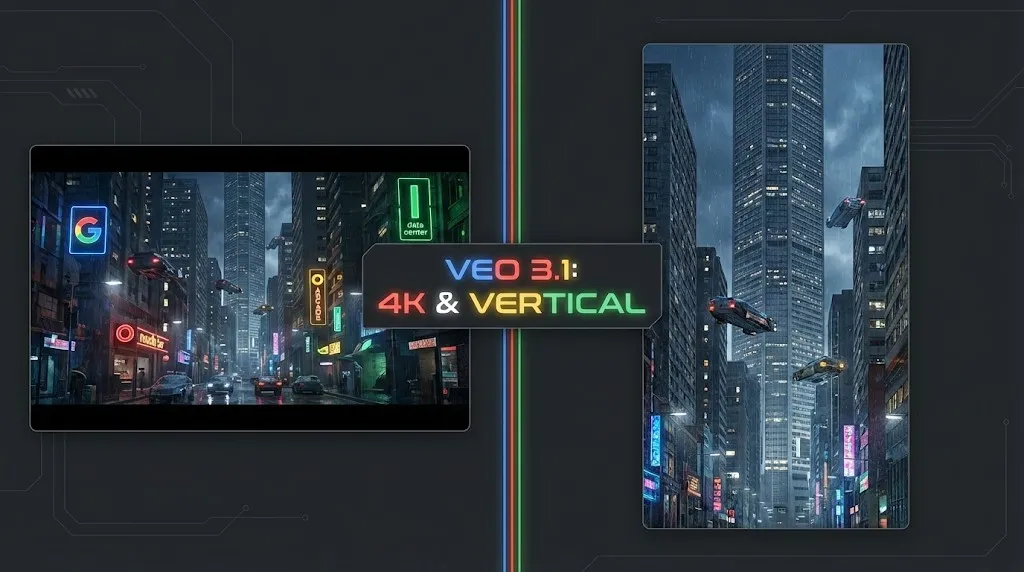
Veo 4 vs Seedance 2.1: Why the Next AI Video War May Be About Cost, Not Cinematic Quality
Seedance 2.1 is reportedly close, Veo 4 is widely expected around Google I/O, and Gemini Omni Flash has appeared inside Flow. The real question is no longer who looks most cinematic, but who lowers the cost of stable, usable output.
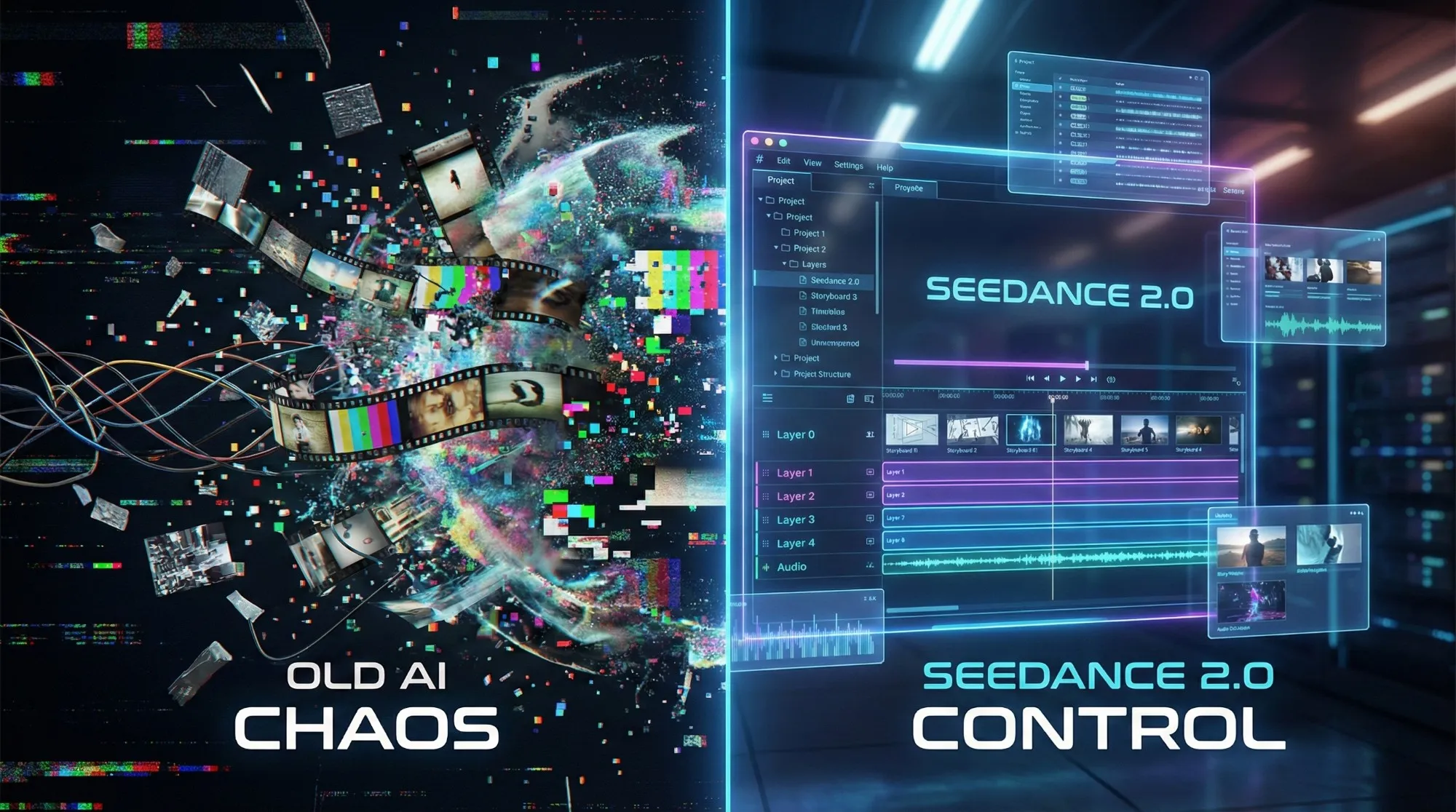
Seedance 2.1 May Be Coming Soon: Reported 20% Quality Gain, Cheaper Tier, and What Creators Should Watch
Seedance 2.1 is reportedly close to launch, with claims of a 20% quality improvement and a cheaper Seedance 2.0 tier. Here is what seems known, what is still unconfirmed, and why the update matters.
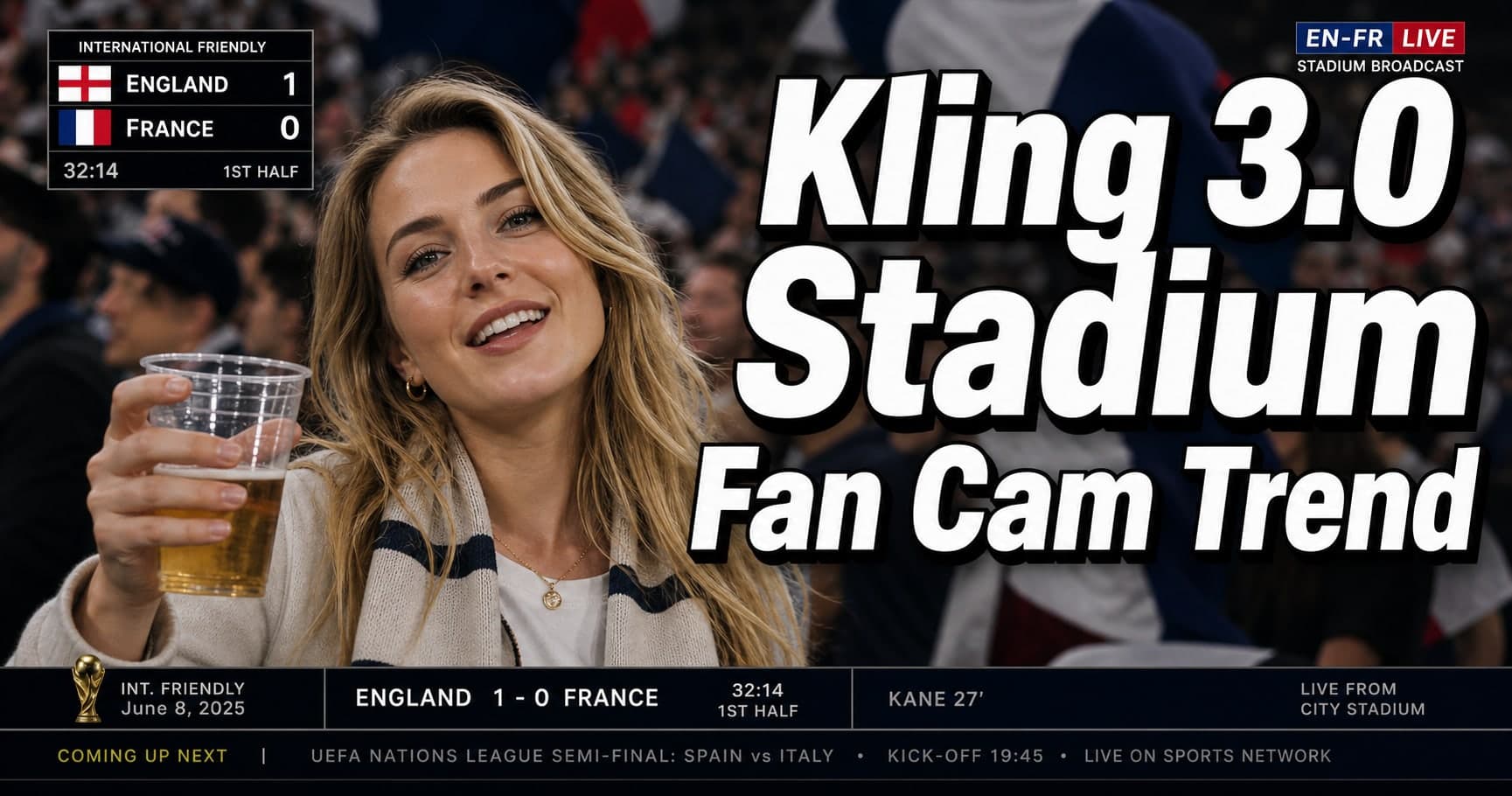
Kling 3.0 Stadium Fan Cam Trend: How to Prompt a Real Broadcast Look
A practical prompt blueprint for the Kling 3.0 stadium fan cam trend: broadcast realism cues, failure fixes, and a safe comparison plan.
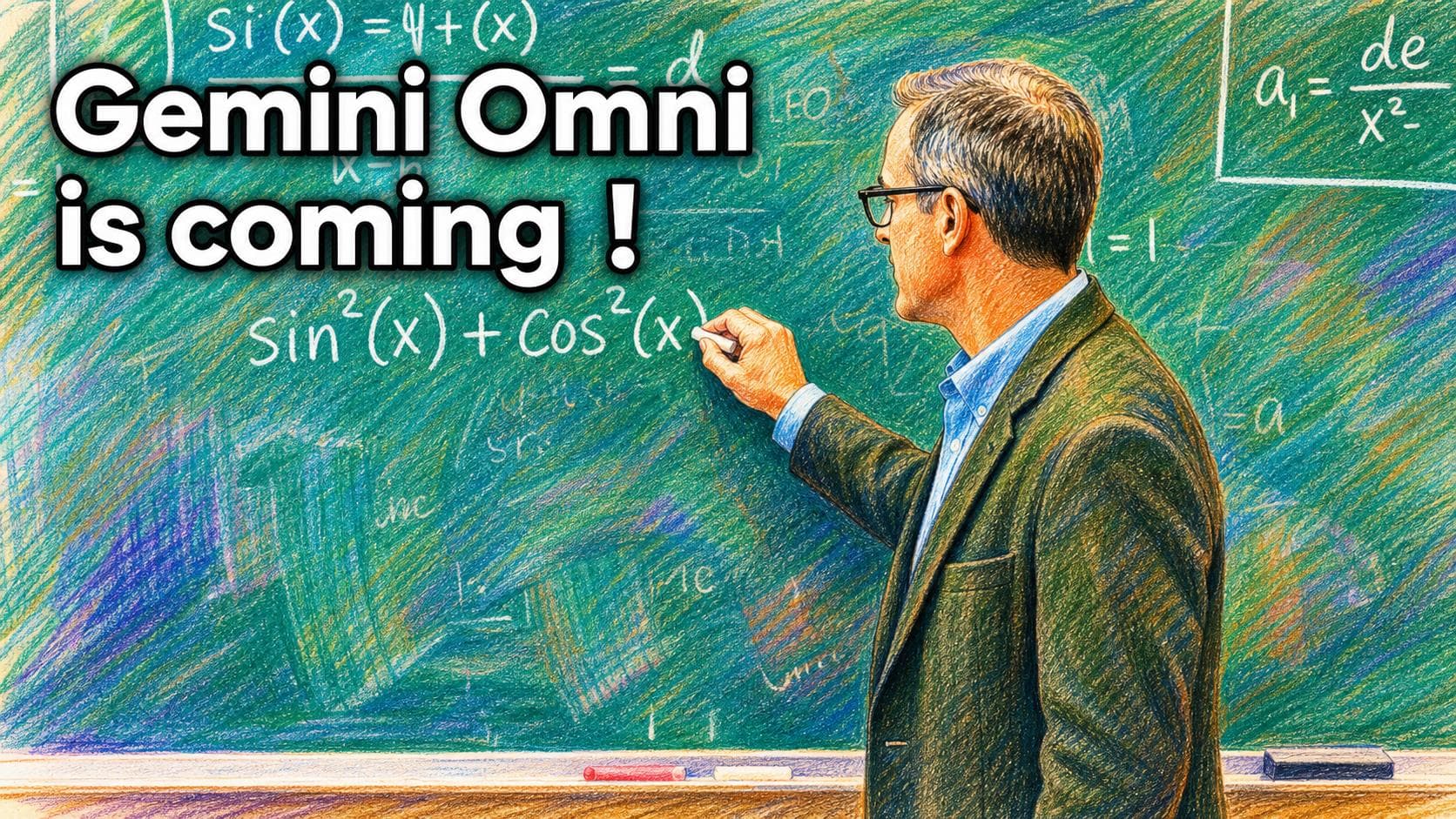
Gemini Omni model: What It Is (and How to Build Safely While It’s Still Unclear)
A practical guide to the Gemini Omni model rumor cycle: what’s confirmed, what’s not, and how to ship video features safely using Veo 3.1 today.
Kling 3 4k Cost Routing
SEO-friendly description for search engines
Kling 3 4K Multi-Shot Consistency: Lock Sheets, Shot Rules, and a Ship-Pass Workflow
SEO-friendly description for search engines
Kling 3 I2V 4K vs T2V 4K: What Ships Cleaner (and What Iterates Faster)
SEO-friendly description for search engines
Kling 3.0 vs HappyHorse 1.0: A Production-First Comparison (Quality, Control, Audio, API)
A production-first Kling 3.0 vs HappyHorse 1.0 comparison: what sources claim, how to read leaderboards, a 30-minute evaluation harness, and a decision matrix for short-form teams.